How to filter cards marked as complete in Trello
Here is how to filter cards marked as complete in trello
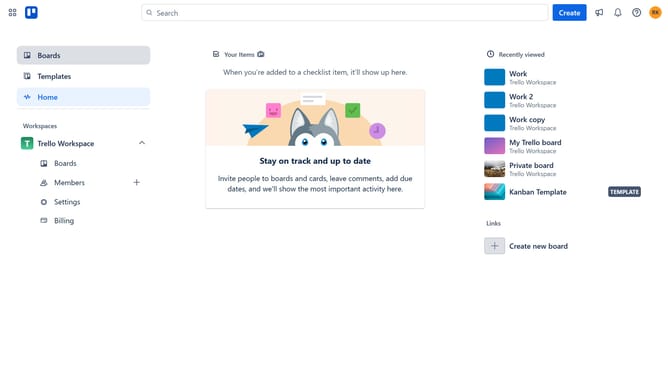
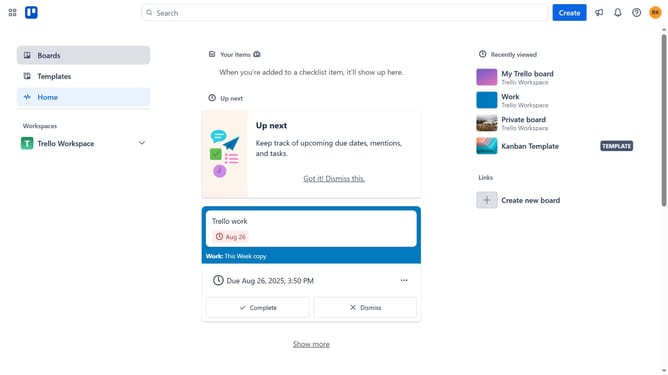
- First click on the "Boards" option in the left sidebar
- Then select a board from the workspace section
- Next click on the "Filter" button in the top right corner of the board
- Finally click the checkbox next to "Marked as complete" from the filter optionse board
Why should you filter cards marked as complete in Trello
Trello is an intuitive and efficient project management tool that helps individuals and teams organize tasks and enhance productivity.
An invaluable feature of Trello is the ability to filter cards marked as complete. This allows users to focus on just the tasks that are finalized, ensuring a clear overview of accomplishments. By concentrating on completed tasks, teams can celebrate achievements, perform retrospectives, or simply assess progress without distraction.
This filtering boosts productivity by minimizing visual clutter and aiding in more effective project management and evaluation.
Last update