How to filter cards due next week in Trello
Here is how to filter cards due next week in trello
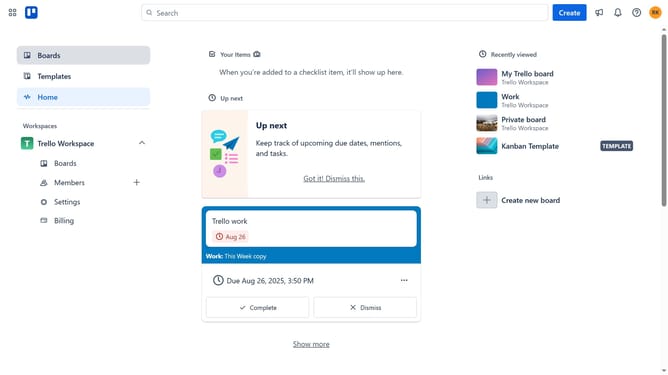
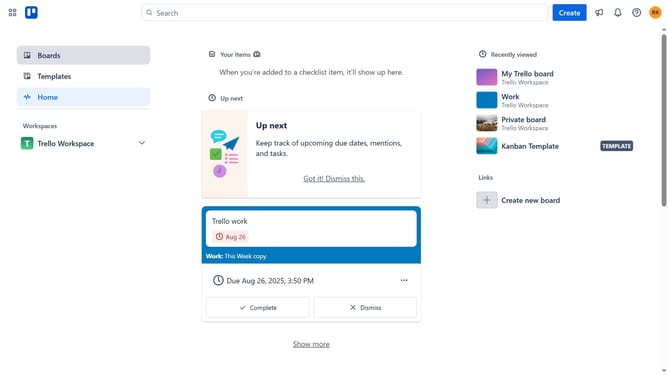
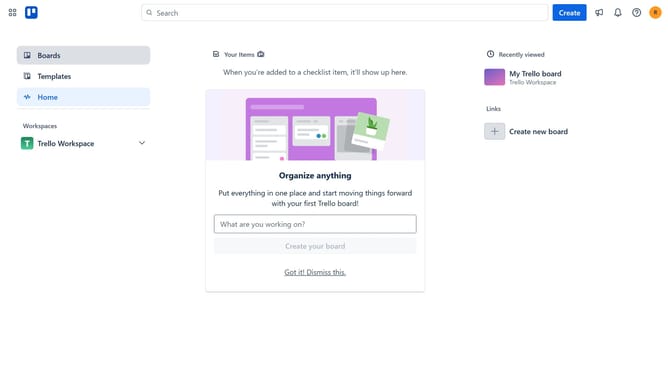
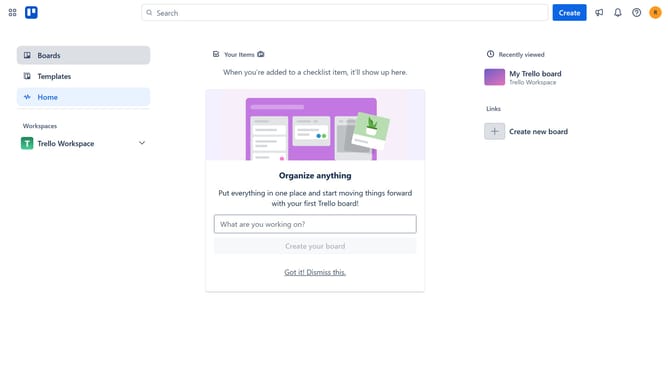
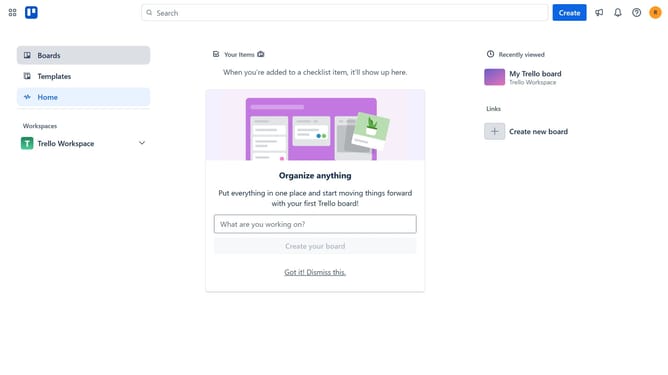
- First click on the "Boards" option in the left sidebar
- Then click on a board in the workspace area
- Next click on the "Filter" icon in the board's top toolbar
- Finally click on the checkbox next to the "Due in the next week" filter option in the filter panel
Why should you filter cards due next week in Trello
Trello is an intuitive project management tool designed to streamline work organization and collaboration.
One powerful feature of Trello is the ability to filter cards due next week, allowing users to prioritize tasks effectively.
This feature helps in maintaining focus on upcoming deadlines, ensuring that no task slips through the cracks.
By using this filter, teams can enhance productivity by planning and delegating tasks that require immediate attention, making sure that projects stay on track without overwhelming anyone.
Last update