How to add statuses and workflow power-up in Trello
Here is how to add statuses and workflow power-up in trello
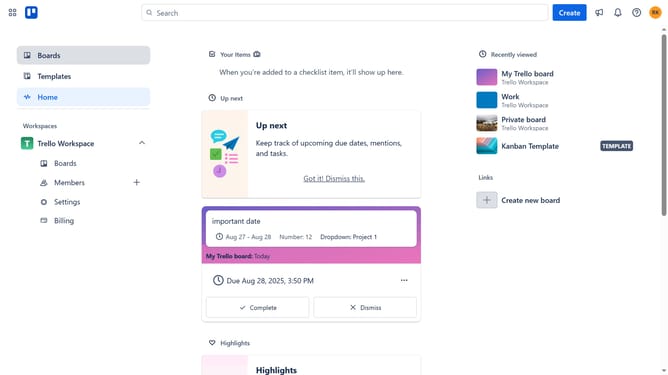
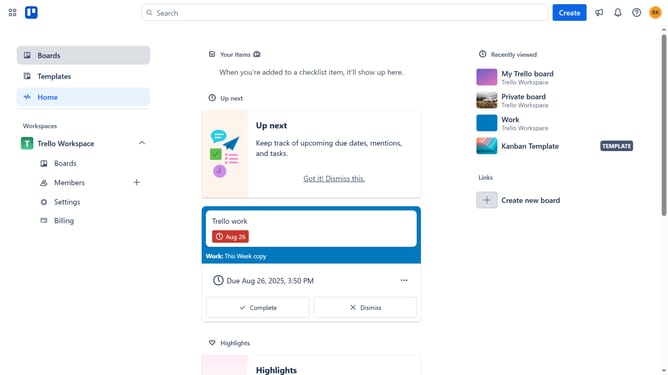
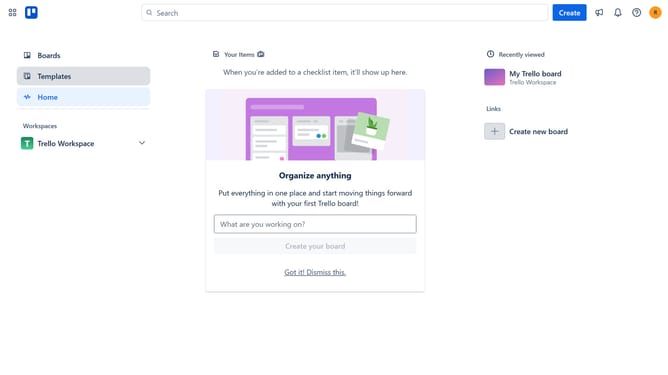
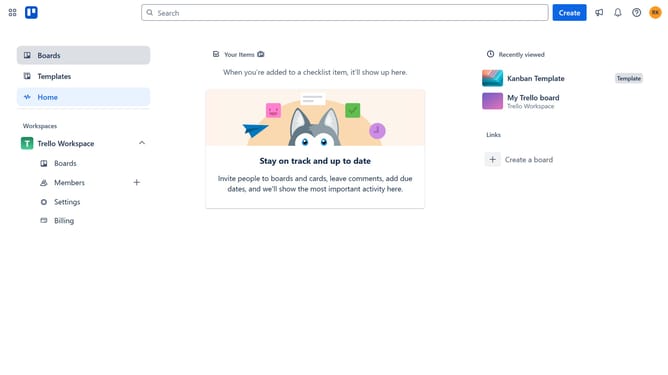
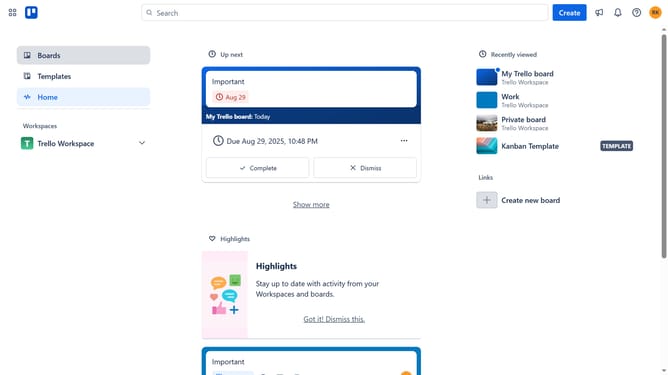
- First click on the "Boards" option in the left sidebar menu
- Then click a board in the workspace section
- Click the "More" (three dots) menu button in the top-right corner of the board
- Select "Power-Ups" from the dropdown menu
- Click on the "Automation" category in the left sidebar of the Power-Ups window
- Scroll down in the automation list
- Click on the "Add" button next to the "Statuses & Workflow" Power-Up
- Finally click the "Add" button in the confirmation dialog to install the Power-Up
Why should you add statuses and workflow power-up in Trello
Trello is a versatile project management tool designed to enhance team collaboration and productivity.
Adding statuses and workflow power-ups in Trello streamlines task progression by visually organizing stages of your projects.
This feature ensures clarity, making it easier for team members to understand current priorities and responsibilities.
By leveraging these enhancements, teams can improve communication, avoid bottlenecks, and achieve their project goals more efficiently.
Last update