How to add victor the tech lead in Trello
Here is how to add victor the tech lead in trello
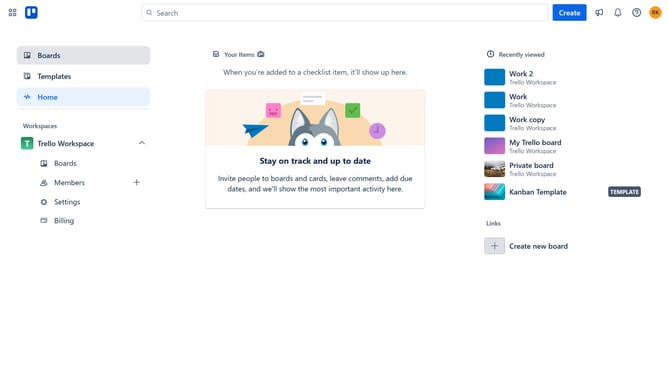
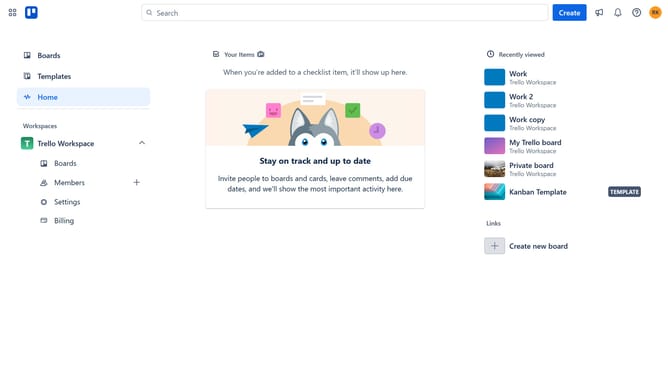
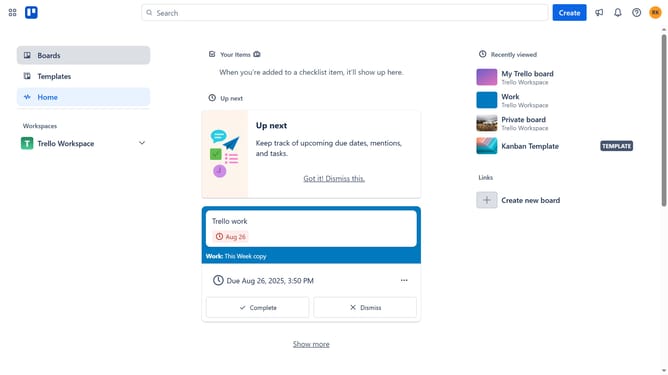
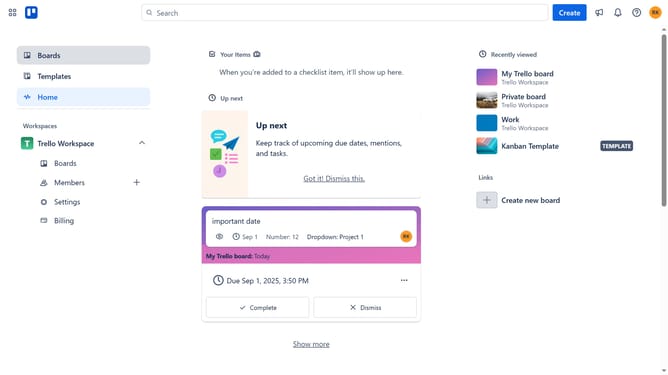
- First click on "Boards" item in the left sidebar menu
- Then click a board in the workspace section
- Next click on the "More" menu (three dots) button in the board header
- Then click on "Power-Ups" option in the board menu
- After that click on "Analytics & reporting" category in the Power-Ups menu
- Then click on "Add" button under the Victor The Tech Lead Power-Up
- Finally click on "Add" button in the confirmation dialog to enable the Power-Up
Why should you add victor the tech lead in Trello
Trello is a dynamic tool designed to streamline project management and collaboration.
Integrating Victor, the tech lead, into your Trello workspace enhances team efficiency. As a tech lead, Victor's insights are crucial in steering projects to success. Adding him ensures that he is up-to-date with project progress and can contribute effectively.
Having Victor in Trello aligns team efforts and leverages his expertise to tackle challenges swiftly, ensuring that projects meet their objectives smoothly and efficiently.
Last update