How to add gallery view power-up in Trello
Here is how to add gallery view power-up in trello
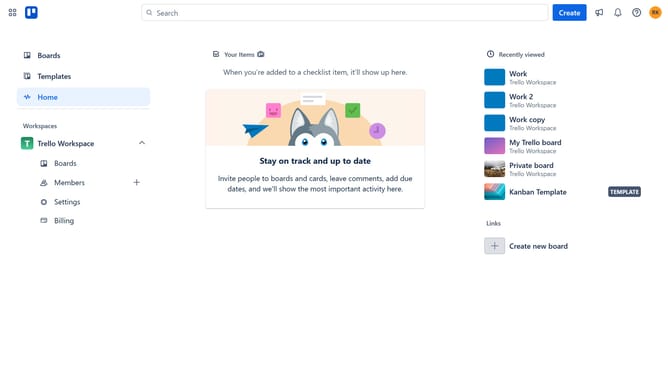
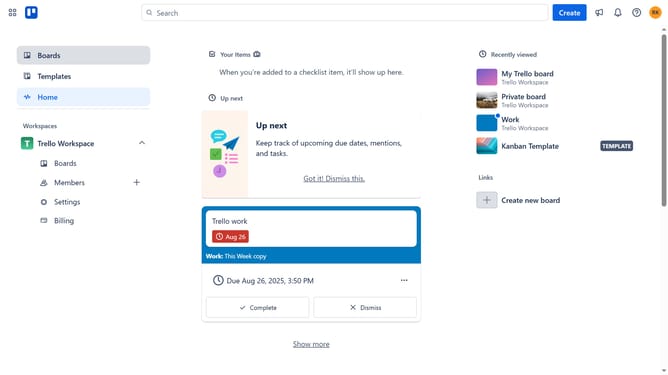
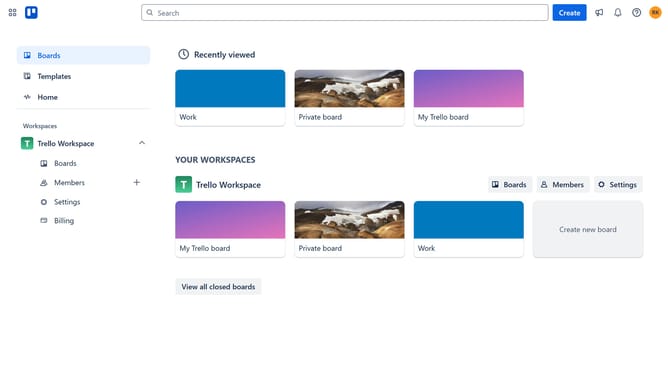
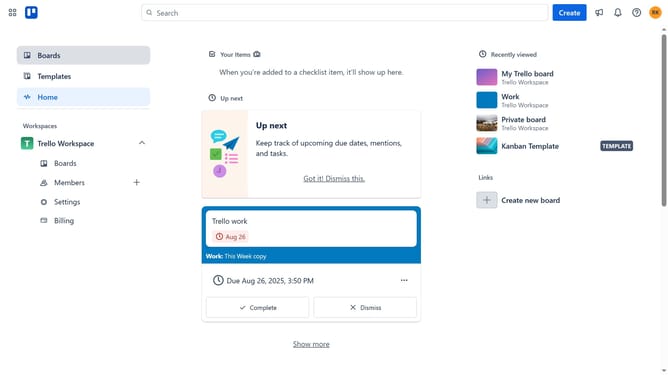
- First click on the "Boards" item in the left sidebar
- Then click a board tile in the main workspace area
- Next click on the "More" menu (three dots) button in the top-right corner of the board
- Then select "Power-Ups" option from the dropdown menu
- Click on the "File management" category in the left sidebar of the Power-Ups window
- Next click on the "Add" button under the "Gallery View - Tiny Power-Ups Club" power-up
- Finally click the "Add" button in the confirmation dialog to install the Gallery View power-up
Why should you add gallery view power-up in Trello
Trello is a dynamic tool that brings project management to life through visual simplicity.
The Gallery View Power-Up is a fantastic feature that enhances Trello’s functionality, transforming your card layouts into visually appealing thumbnails.
This feature is perfect for users who thrive on visual cues, as it offers an instant overview of all your project images, sparking creativity and streamlining navigation.
Embrace Gallery View to enrich your workflow by providing a visually engaging way to manage and inspire your projects.
Last update