How to add wistia power-up in Trello
Here is how to add wistia power-up in trello
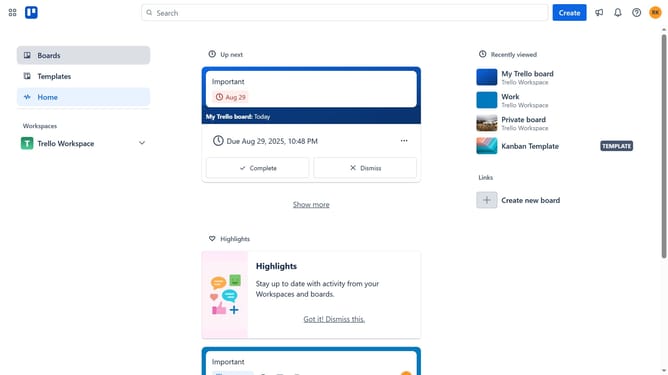
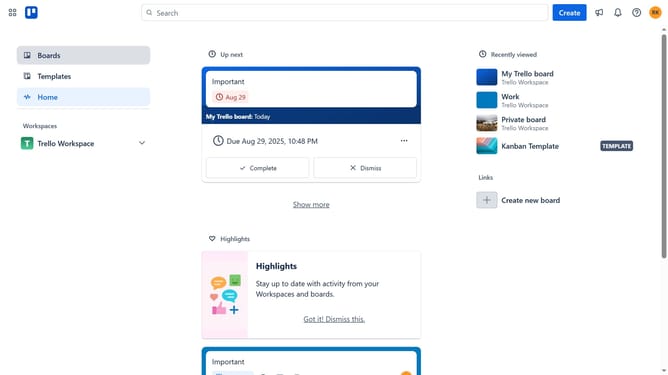
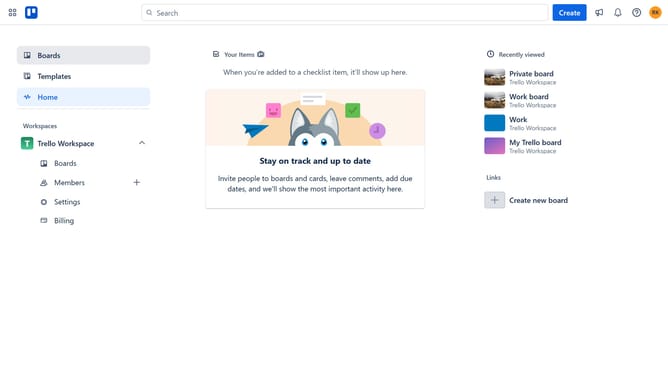
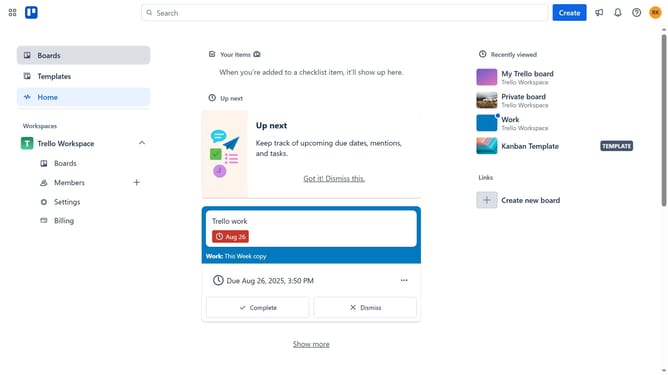
- First click on "Boards" option in the left sidebar
- Then click a board in the workspace section
- Next click on the "more options" (three dots) button in the top-right corner of the board
- Then click on "Power-Ups" option in the menu
- Next click on "Analytics & reporting" category in the left sidebar
- Then click on "Add" button under the Wistia Power-Up
- Finally click on "Add" button in the Wistia confirmation dialog
Why should you add wistia power-up in Trello
Trello is a versatile project management tool designed to help teams organize their tasks and collaborate efficiently.
Incorporating the Wistia Power-Up in Trello allows users to seamlessly integrate video content into their project boards.
This feature enriches the visual appeal of projects and enhances communication by providing direct access to video content without switching platforms.
Utilizing Wistia with Trello can lead to more engaging and effective project presentations and updates.
Last update