How to add archive manager power-up in Trello
Here is how to add archive manager power-up in trello
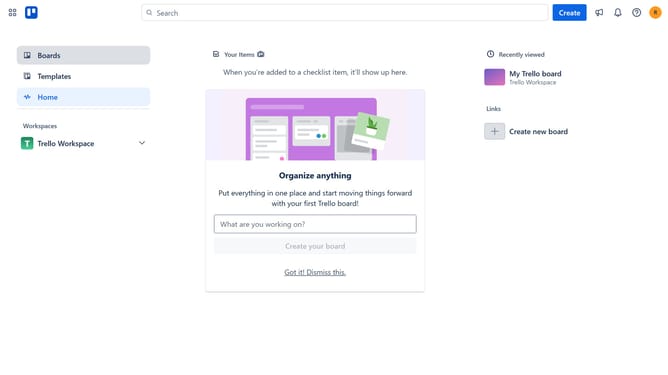
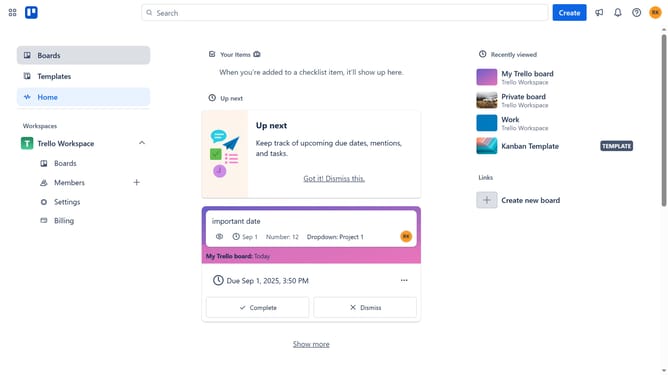
- First click on "Boards" item in the left sidebar menu
- Then click a board in the workspace area
- Next click on the "More" menu button (three dots) in the top-right corner of the board
- Then click on "Power-Ups" option in the dropdown menu
- Next click on "File management" category in the left sidebar of Power-Ups window
- Then click the "Add" button under the "Archive Manager - Tiny Power-Ups Club" power-up
- Finally click the "Add" button to install the Archive Manager power-up
Why should you add archive manager power-up in Trello
Trello is a versatile project management tool designed to streamline workflows and enhance productivity.
The Archive Manager Power-Up in Trello serves as an essential feature that allows users to efficiently manage archived cards and lists, keeping their boards organized and clutter-free.
Utilizing this power-up helps team members quickly retrieve important information from archived content, ensuring seamless project continuity and easy access to past records, promoting efficient teamwork.
By leveraging the Archive Manager, teams can maintain a neat working environment while preserving crucial data for future reference.
Last update