How to add lean canvas power-up in Trello
Here is how to add lean canvas power-up in trello
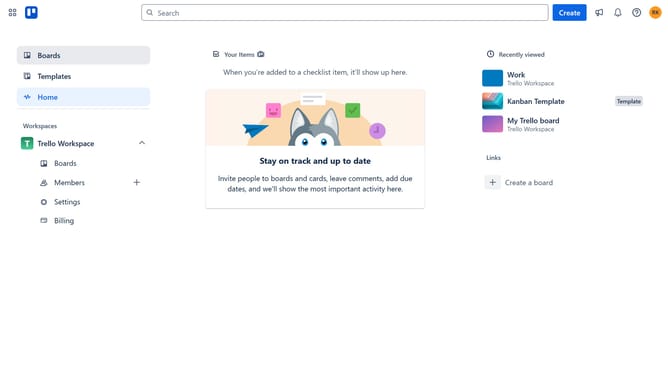
- First click on "Boards" in the left sidebar menu
- Then click on a board in the main workspace area
- Next click on the "More" (three dots) menu button in the top-right corner of the board
- Then click on "Power-Ups" option in the dropdown menu
- Next click on "Communication & collaboration" category in the left sidebar of Power-Ups window
- Then click on "Add" button under the Lean Canvas power-up tile
- Finally click on "Add" button in the Lean Canvas confirmation dialog to install it
Why should you add lean canvas power-up in Trello
Trello is a dynamic project management tool that streamlines workflow and collaboration.
Adding the Lean Canvas power-up to Trello enhances your board's functionality, providing a structured framework for brainstorming business ideas.
This feature is invaluable for startups, as it allows teams to capture, refine, and evaluate pivotal elements of a business model.
By visualizing these components, teams benefit from focused discussions, quicker decision-making, and a shared understanding of project goals.
Last update