How to add breakdown structure power-up in Trello
Here is how to add breakdown structure power-up in trello
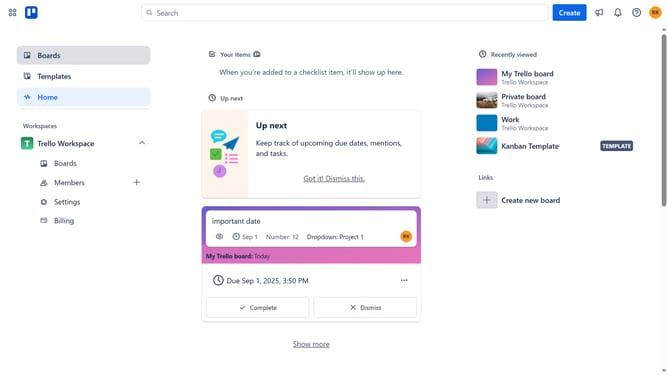
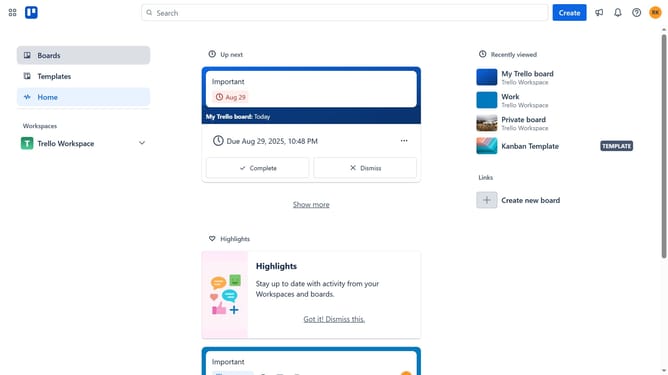
- First click on "Boards" in the left sidebar navigation menu
- Then click a board in the workspace section
- Click the "More" button (three dots) in the top-right corner of the board
- Select "Power-Ups" option from the dropdown menu
- Scroll down in the power-ups list
- Click on "IT & project management" category in the left sidebar
- Click the "Add" button under the "Breakdown Structure" Power-Up
- Finally click the "Add" button in the confirmation dialog to install the Power-Up
Why should you add breakdown structure power-up in Trello
Trello is a versatile project management tool designed to streamline your workflow effortlessly.
Adding a breakdown structure power-up to Trello introduces visual clarity to complex projects. By organizing tasks into hierarchical components, it enhances focus and increases productivity.
With this feature, teams gain a nuanced view of task dependencies and milestones. Employing such structured insights promotes strategic planning and ensures accountability across the board. The breakdown structure power-up truly transforms Trello into a comprehensive solution for managing multifaceted projects.
Last update