How to add calendar view power-up in Trello
Here is how to add calendar view power-up in trello
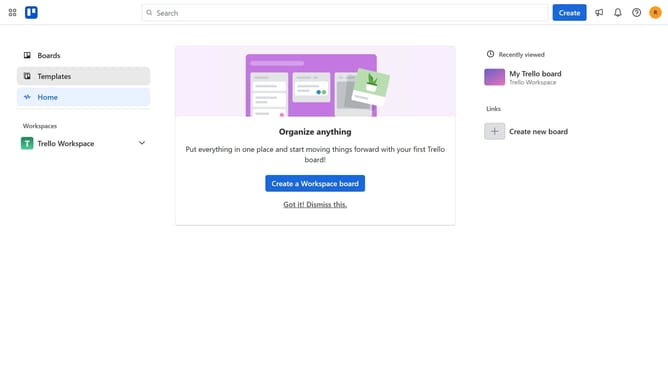
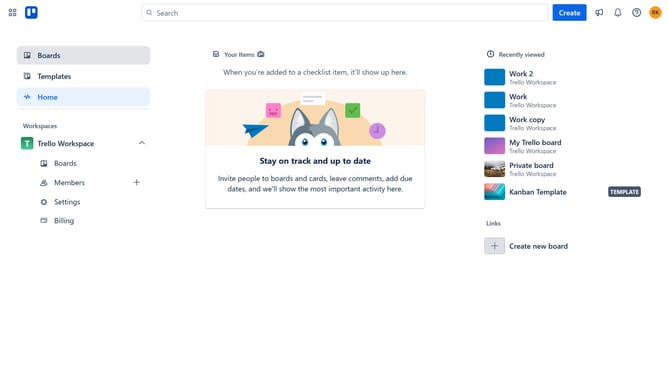
- First click on the "Boards" link in the left sidebar
- Then click a board in the workspace section
- Next click on the "..." (more) menu button in the board header
- Then click on "Power-Ups" option in the board menu
- Next click on "Analytics & reporting" category in the Power-Ups menu
- Then click the "Add" button under the "Calendar View (All Boards & Items)" power-up
- Finally click the "Add" button to install the Calendar View power-up
Why should you add calendar view power-up in Trello
Trello is a dynamic project management tool designed to streamline task organization and collaboration.
Enhancing your Trello experience with the Calendar View Power-Up allows you to visualize tasks and deadlines with ease. This feature integrates seamlessly with your boards, transforming your lists into a visually appealing calendar layout.
Utilizing the Calendar View Power-Up helps you stay on top of deadlines and manage time efficiently, making it indispensable for busy teams looking to boost productivity and coordination.
Last update