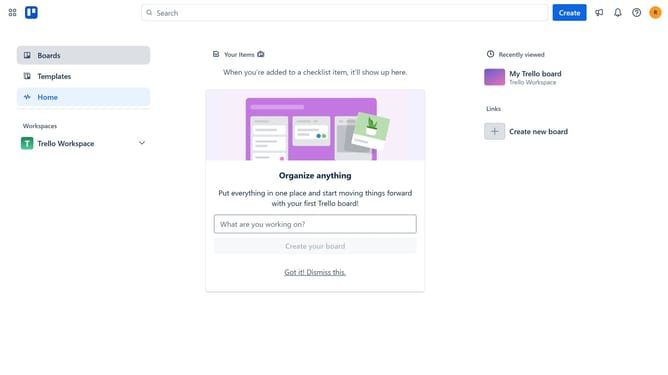
How to add import to board power-up in Trello
Here is how to add import to board power-up in trello
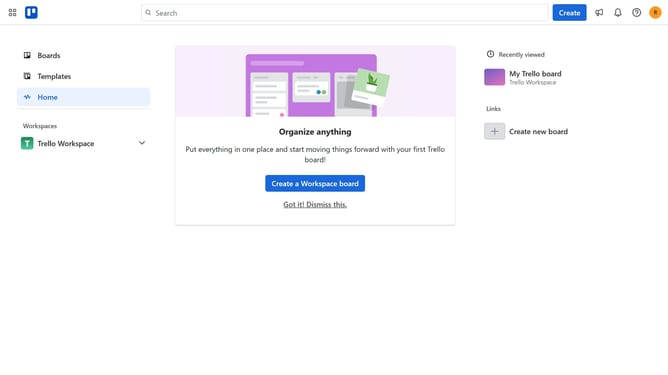
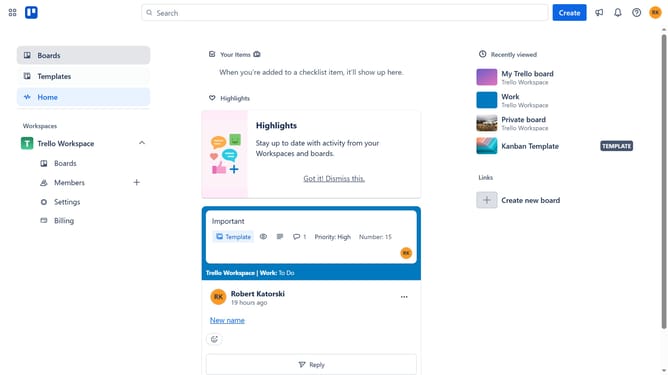
- First click on the "Boards" option in the left sidebar
- Then click a board in the workspace section
- Click on the "More" menu button (three dots) in the top-right corner of the board
- Select "Power-Ups" option from the dropdown menu
- Scroll down in the power-ups list
- Select "IT & project management" category from the left sidebar
- Click on the "Add" button for "Import to Board (JSON) for Trello" power-up
- Finally click the "Add" button in the confirmation dialog to install the power-up
Why should you add import to board power-up in Trello
Trello is an intuitive project management tool designed to streamline your workflow and enhance team collaboration.
The 'Import to Board' power-up in Trello is a transformative feature that allows you to easily integrate external data into your boards. By leveraging this, you can save valuable time and avoid the hassle of manual data entry.
This power-up enables you to maintain consistency and accuracy across projects by centralizing information from various sources. As a result, teams can boost productivity and focus on what truly matters—achieving their goals with clarity and precision.
Last update