How to add stars power-up in Trello
Here is how to add stars power-up in trello
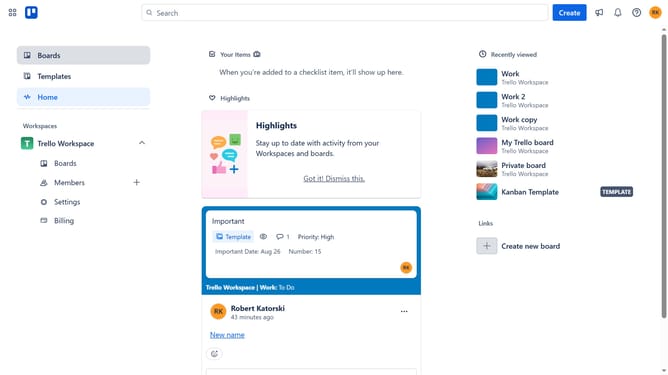
- First click on the "Boards" option in the left sidebar
- Next click a board the main workspace area
- Then click on the "More" menu (three dots) button in the top-right corner
- Next click on the "Power-Ups" option in the dropdown menu
- Then click on the "Board utilities" category in the Power-Ups menu
- Next click on the "Add" button under the "Stars" power-up
- Finally click on the "Add" button for the Stars Power-Up in the confirmation dialog to install it
Why should you add stars power-up in Trello
Trello is a versatile project management tool designed to help teams collaborate and organize tasks seamlessly.
Add the stars power-up in Trello to enhance efficiency by visually prioritizing essential tasks. This feature allows users to highlight crucial cards, making it easier to distinguish between standard and high-priority items at a glance.
By incorporating stars, team members can improve focus and streamline workflows, ensuring that priority tasks never go unnoticed in the hustle of everyday project management.
The addition of stars power-up also fosters better communication, as team members can quickly gauge what needs immediate attention, promoting a more productive and harmonious workspace.
Last update