How to add card family power-up in Trello
Here is how to add card family power-up in trello
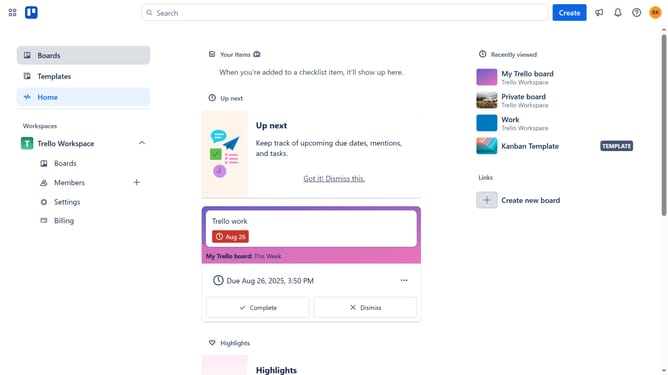
- First click on the "Boards" option in the left sidebar menu
- Then click a board in the workspace section
- Click on "My Trello board" card again to open the board view
- Next click on the menu "..." (three dots) button in the top-right corner of the board
- Select "Power-Ups" option from the dropdown menu
- Scroll down in the board utilities list
- Then click on "Card Family" power-up's "Add" button
- Finally click the "Add" button in the confirmation dialog to install the Card Family power-up
Why should you add card family power-up in Trello
Trello is a dynamic project management tool designed to enhance collaboration and streamline workflow organization.
By integrating the Card Family Power-Up, users can effortlessly link related cards, creating seamless hierarchies and simplifying task tracking across projects.
This feature fosters enhanced clarity and understanding within teams by visually connecting different elements of a project.
Ultimately, it promotes efficient task management and helps prioritize objectives effectively, driving projects to successful completion.
Last update