How to add AI powered analyst power-up in Trello
Here is how to add ai powered analyst power-up in trello
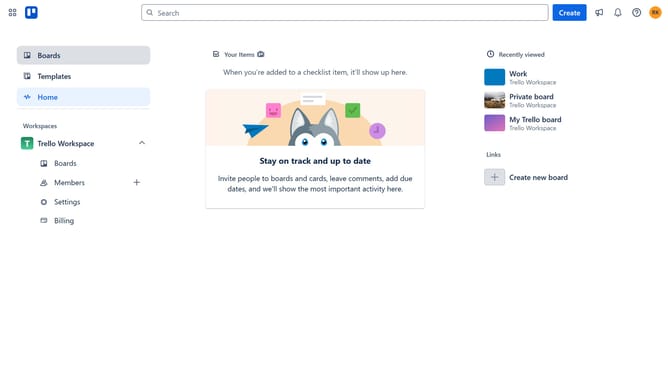
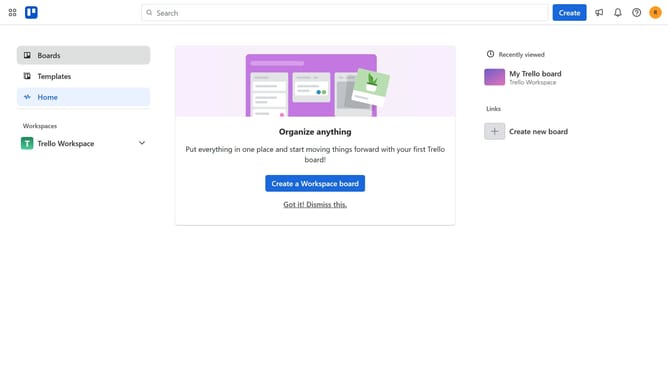
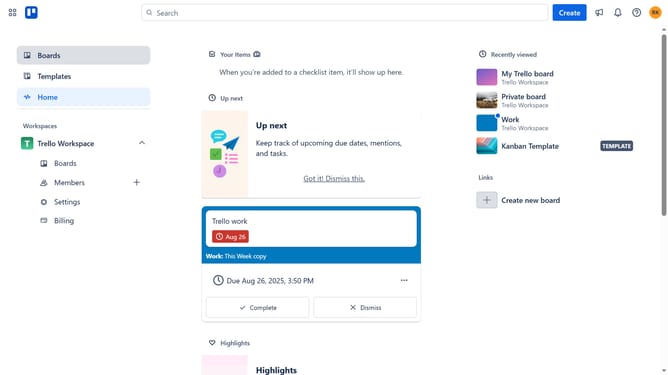
- First click on the "Boards" option in the left sidebar menu
- Then click a board in the workspace section
- After opening the board, click on the more options menu ("...") in the top-right corner
- In the dropdown menu, click on "Power-Ups"
- Next, select "Analytics & reporting" from the categories list
- Then click on the "Add" button under the "AI Powered Analyst"
- Finally click the "Add" button in the confirmation dialog to install the Power-Up
Why should you add AI powered analyst power-up in Trello
Trello is a versatile project management tool that helps teams organize work and streamline collaboration.
Adding the AI-powered analyst power-up to Trello transforms how you analyze data from your boards. This feature enhances decision-making by offering insights and analytics effortlessly, giving users more time to focus on their tasks.
With the power-up, Trello users can easily identify patterns and trends within their projects. This allows for more informed decisions, improving efficiency and productivity.
Integrating AI analytics within Trello provides a smarter, data-driven approach to project management that ensures teams remain agile and informed.
Last update