How to add whiteboards power-up in Trello
Here is how to add whiteboards power-up in trello
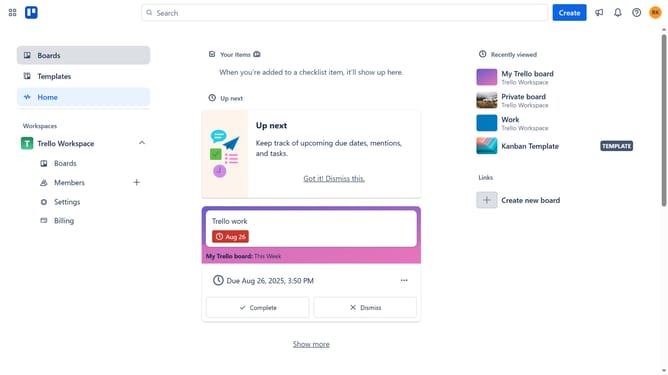
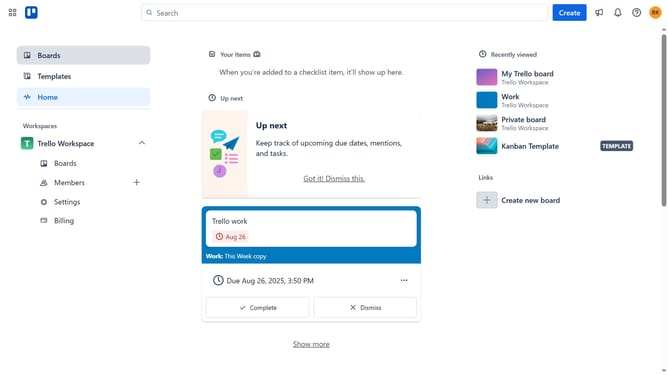
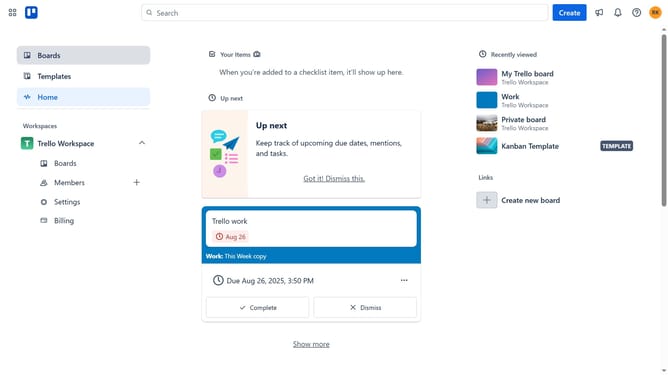
- First click on "Boards" in the left sidebar menu
- Then click a board in the workspace section
- Next click on the "More" menu button (three dots) in the top-right corner of the board
- Then click on "Power-Ups" option in the dropdown menu
- Next click on "Communication & collaboration" category in the left sidebar
- Then scroll down in the communication & collaboration list
- Next click on "Add" button to install the Whiteboards power-up
- Finally click on "Add" button to confirm and complete the installation
Why should you add whiteboards power-up in Trello
Trello is an intuitive tool designed to streamline project management and boost productivity.
By adding the Whiteboards Power-Up to your Trello boards, you unlock a dynamic space for brainstorming, enabling teams to visualize ideas effortlessly.
This feature fosters collaboration by providing a flexible canvas where thoughts can flow freely, enhancing creativity and efficiency.
Utilizing the Whiteboards Power-Up can transform how your team interacts, making the ideation process more engaging and productive.
Last update