How to add file manager power-up in Trello
Here is how to add file manager power-up in trello
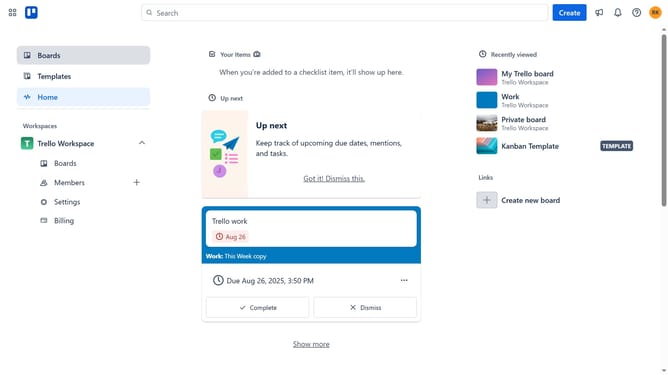
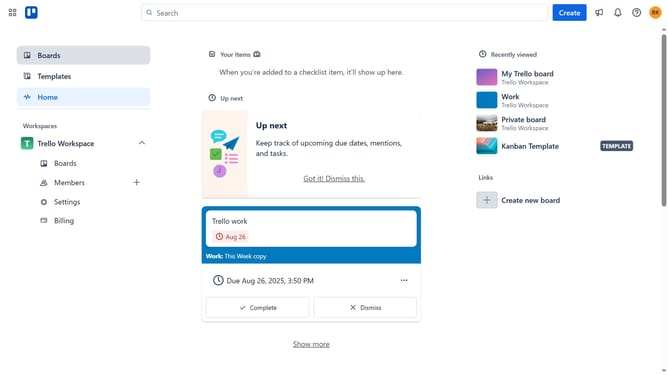
- First click on the "Boards" option in the left sidebar
- Then click a board in the workspace section
- Next click on the "More" menu (three dots) button in the top-right corner
- Click on "Power-Ups" option from the dropdown menu
- In the Power-Ups menu, select "File management" category from the left sidebar
- Click the "Add" button under the "File Manager - Tiny Power-Ups Club" power-up
- Finally click the "Add" button in the confirmation dialog page to install the File Manager - Tiny Power-Ups Club power-up
Why should you add file manager power-up in Trello
Trello is a versatile project management tool designed to streamline team collaboration and organize tasks efficiently.
The file manager power-up in Trello enhances your project boards by centralizing document management, making it easy to access and organize files directly within your tasks.
Integrating this feature optimizes workflow and boosts productivity by reducing time spent searching for files and maintaining a clutter-free workspace.
Ultimately, it facilitates seamless teamwork and ensures that vital documents are always just a click away.
Last update