How to add reports by ai analyst power-up in Trello
Here is how to add reports by ai analyst power-up in trello
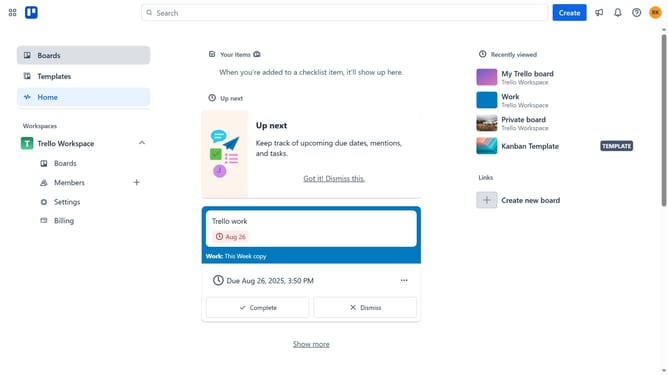
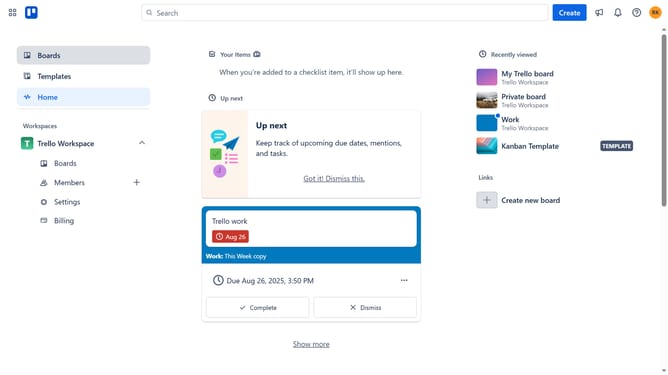
- First click on "Boards" in the left sidebar navigation
- Then click a board the workspace section
- Click on the "More" menu (three dots) button in the top right corner of the board
- Select "Power-Ups" option from the dropdown menu
- Click on "Analytics & reporting" category in the left sidebar
- Click on "Add" button under the Reports by AI Analyst power-up
- Finally click the "Add" button in the confirmation dialog to install the power-up
Why should you add reports by ai analyst power-up in Trello
Trello is a dynamic tool designed to streamline project management with its intuitive board and card system.
The AI Analyst Power-Up enhances this functionality by allowing seamless incorporation of detailed reports.
This feature is invaluable for data-driven decision making, as it enables clear visualization and understanding of project metrics.
By adding AI-generated reports, teams can spot trends, identify inefficiencies, and optimize workflow, leading to improved productivity and informed strategic planning.
Last update