How to add clockify power-up in Trello
Here is how to add clockify power-up in trello
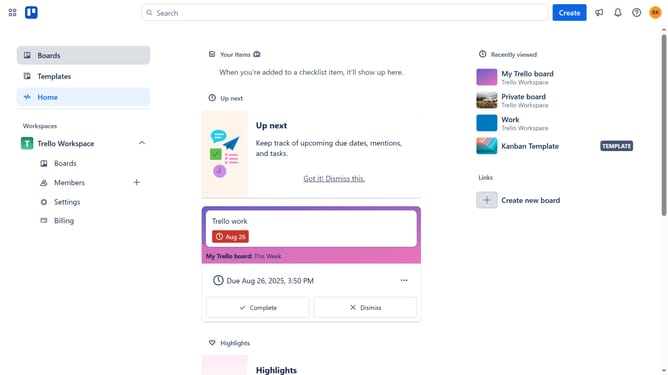
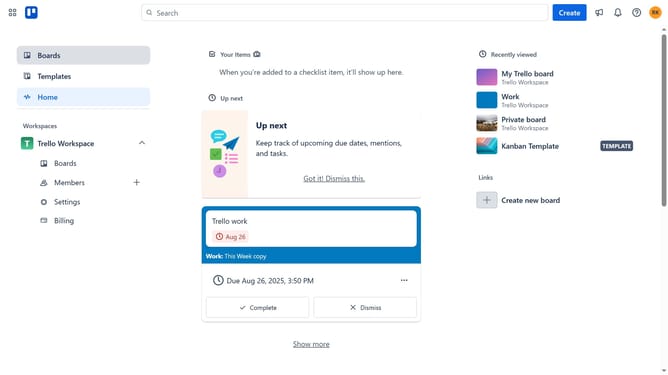
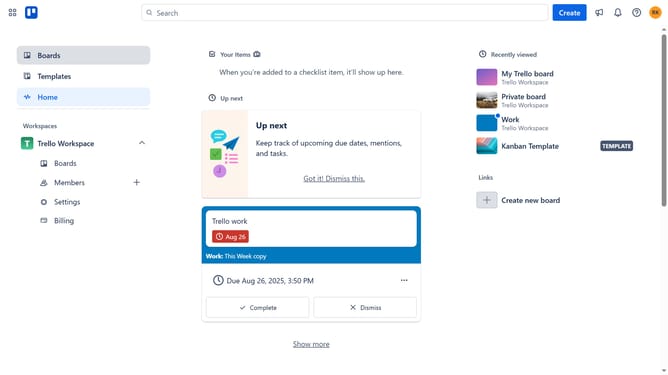
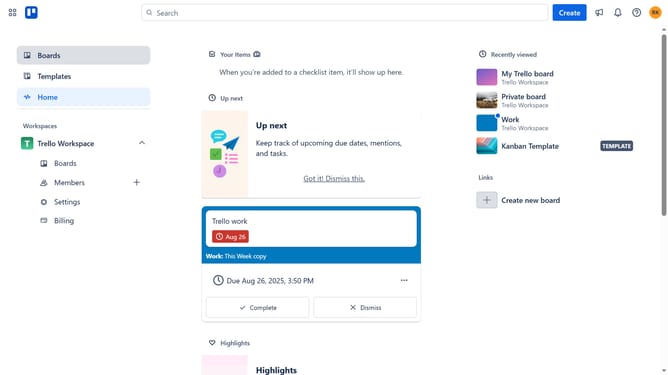
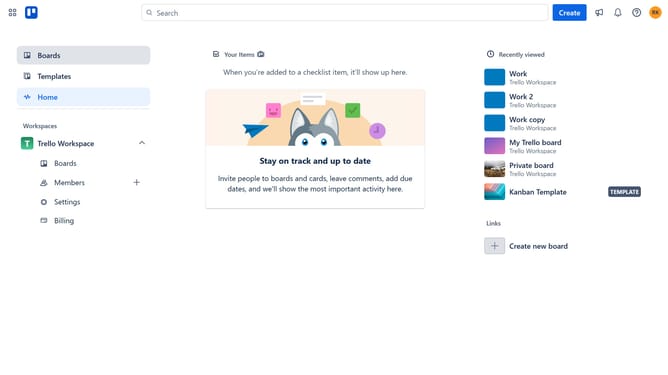
- First click on "Boards" in the left sidebar
- Then click a board in the workspace section
- Next click on the "three dots" menu button in the top-right corner of the board
- Select "Power-Ups" option from the dropdown menu
- Click on "Analytics & reporting" category in the left sidebar of Power-Ups window
- Scroll down in the Analyrics & reporting menu
- Click "Add" button under the "Clokify Integration for Trello"
- Finally click the "Add" button in the blue confirmation dialog to install the selected Power-Up
Why should you add clockify power-up in Trello
Trello is a versatile collaboration tool designed to organize tasks and projects with seamless efficiency.
Integrating the Clockify Power-Up into Trello transforms your workflow with effortless time tracking capabilities right within your boards.
Adding this feature allows for detailed time management and insights on how projects are progressing, enhancing productivity and accountability.
Experience the ease of keeping track of time effortlessly while staying focused on what's important, all within Trello's user-friendly environment.
Last update