How to add company lookup power-up in Trello
Here is how to add company lookup power-up in trello
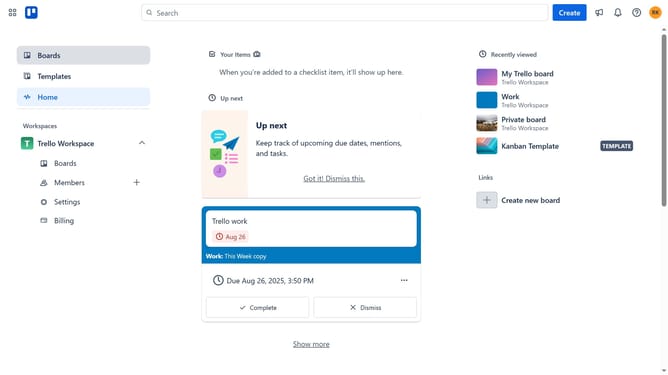
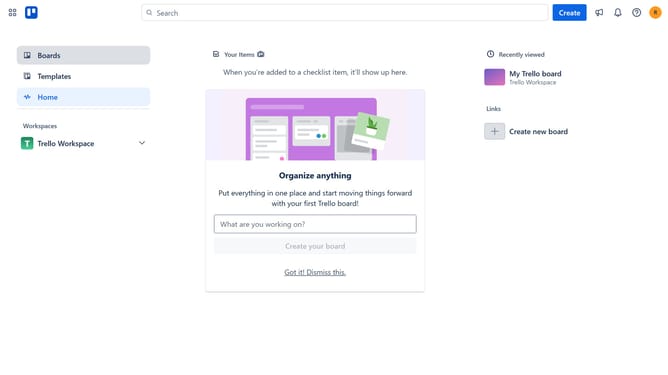
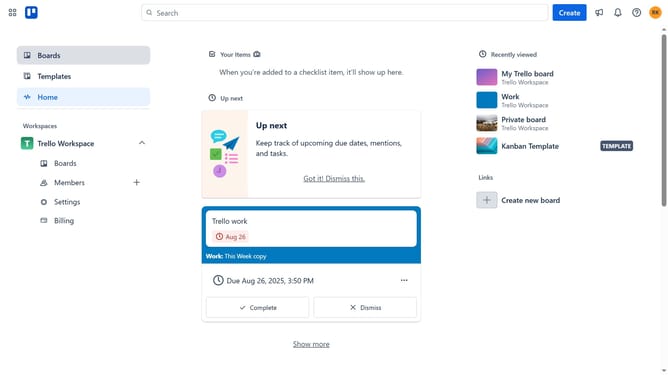
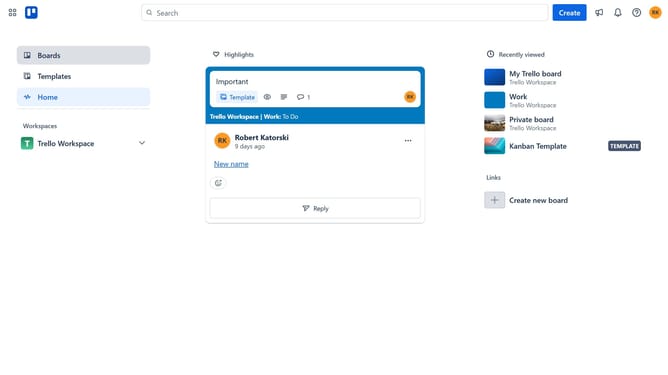
- First click on the "Boards" option in the left sidebar
- Then click a board in the workspace area
- Next click on the "more options" menu (three dots) in the top-right corner
- Click on "Power-Ups" option from the dropdown menu
- Click on the scroll bar in the Power-Ups dialog to scroll down
- Select "Marketing & social media" category from the left sidebar
- Click on the "Add" button under the Company lookup power-up
- Finally click the "Add" button in the confirmation dialog to install the Power-Up
Why should you add company lookup power-up in Trello
Trello is a versatile platform designed to streamline project management through intuitive board and card systems.
The company lookup power-up in Trello enhances your workflow by allowing easy access to company data directly within your projects. This feature integrates seamlessly, providing valuable insights into business details.
By using the company lookup power-up, team members can make informed decisions more quickly, reducing the time spent searching for relevant information and improving project efficiency.
Last update