How to add smart checklist exporter power-up in Trello
Here is how to add smart checklist exporter power-up in trello
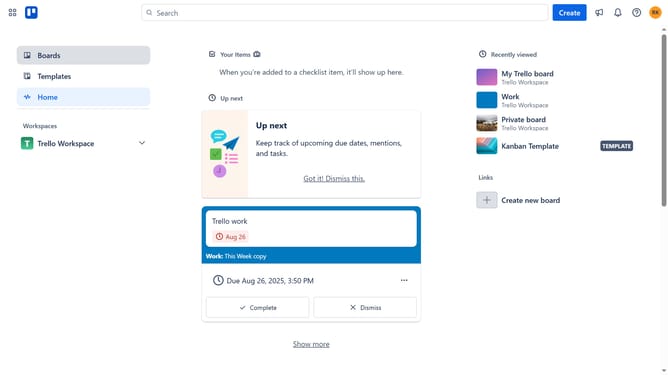
- First click on "Boards" in the left sidebar menu
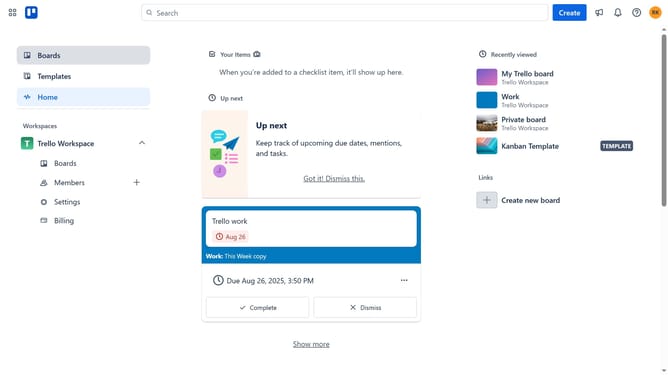
- Then click a board in the workspace section
- Click on the "More" menu button (three dots) in the top-right corner of the board
- Select "Power-Ups" option from the dropdown menu
- Click on "Communication & collaboration" category in the left sidebar of Power-Ups window
- Click on "Add" button under the Smart Checklist Exporter power-up
- Finally click the "Add" button in the confirmation dialog to install the Smart Checklist Exporter
Why should you add smart checklist exporter power-up in Trello
Trello is an intuitive project management tool that transforms task tracking into an engaging and visual experience.
The Smart Checklist Exporter Power-Up in Trello enhances your productivity by allowing you to seamlessly export checklists for streamlined collaboration and record-keeping. This feature is perfect for project managers and teams looking to get an organized overview of tasks.
Using the Smart Checklist Exporter, you can effortlessly share checklist progress and data with stakeholders, boosting team transparency and efficiency. It's a valuable enhancement for anyone committed to maximizing Trello's potential.
Last update