How to add burn down the list in Trello
Here is how to add burn down the list in trello
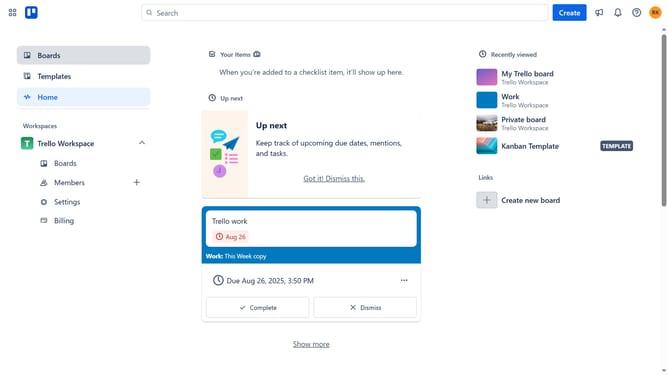
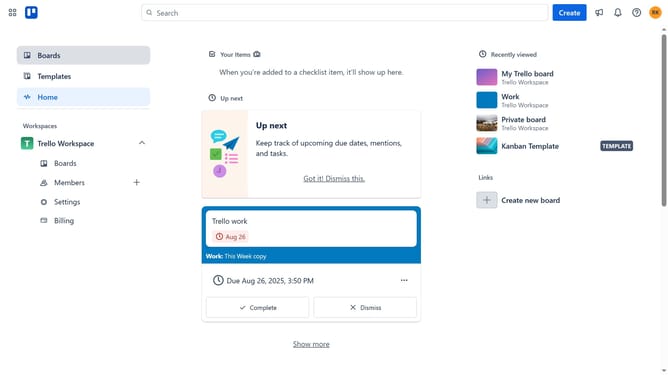
- First click on the "Boards" item in the left sidebar
- Then click a board in the workspace section
- Next click on the menu button (...) in the top right corner of the board
- Then select "Power-Ups" option from the dropdown menu
- Click on the "Analytics & reporting" category in the Power-Ups menu
- Select "Burn Down the List" power-up from the available options
- Finally click the "Add" button in the confirmation dialog to install the power-up
Why should you add burn down the list in Trello
Trello is a dynamic project management tool designed to help teams visually organize tasks and collaborate efficiently.
Integrating a burn down list in Trello allows users to track project progress with precision by visually representing the remaining workload over time.
This feature supports teams in monitoring daily milestones and improving planning by providing clarity on impending deadlines.
With its straightforward visuals, a burn down list boosts productivity, fostering timely project completion and alignment among team members.
Last update