How to switch board to calendar view in Trello
Here is how to switch board to calendar view in trello
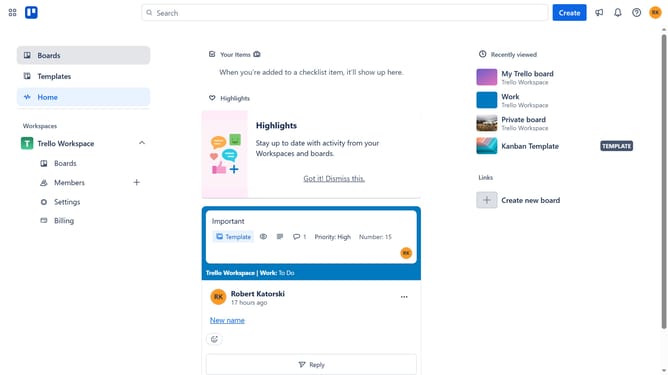
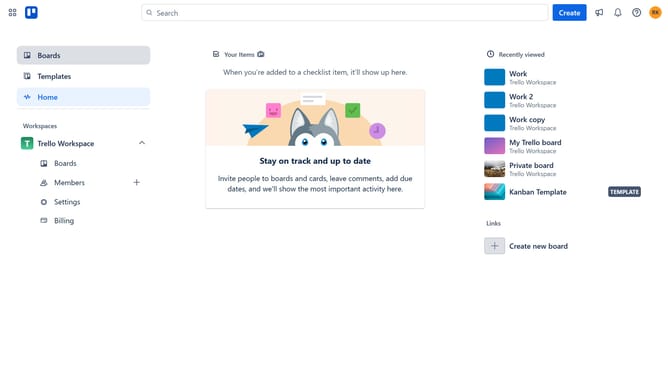
- First click on the "Boards" option in the left sidebar menu
- Then click a board in the workspace area
- Next click on the "Views" dropdown button in the board header
- Finally select the "Calendar" option from the views dropdown menu
Why should you switch board to calendar view in Trello
Trello is a dynamic project management tool designed to streamline workflows and enhance team collaboration.
Switching to calendar view in Trello allows users to visualize tasks on a timeline, providing a more comprehensive overview of schedules and deadlines.
This feature supports effective time management by helping users plan and adjust their activities according to priorities. It optimizes productivity, ensuring no task goes overlooked.
Embracing the calendar view enriches your planning strategy, fostering a more balanced and proactive approach to your projects.
Last update