How to expand a list in Trello
Here is how to expand a list in trello
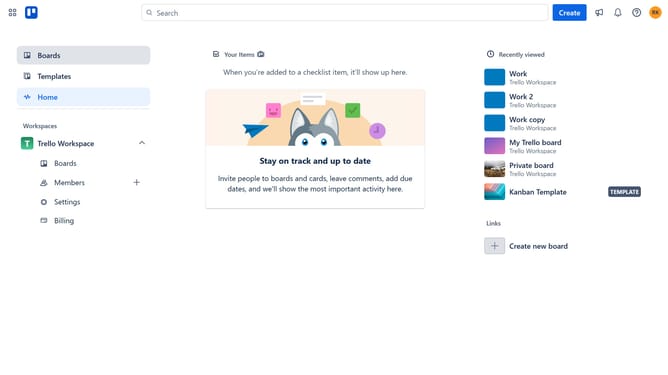
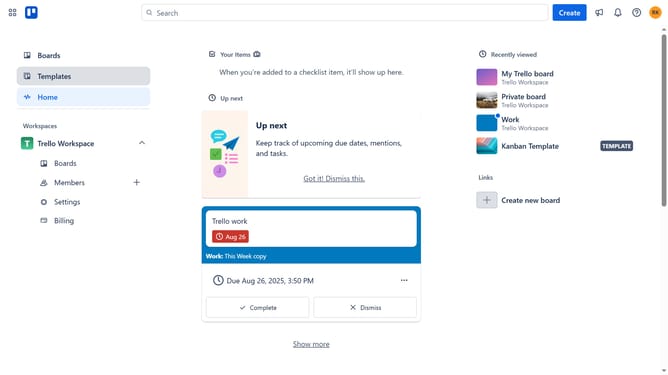
- First click on the "Boards" option in the left sidebar menu
- Then click a board in the workspace section
- Finally click the collapsed list to expand it
Why should you expand a list in Trello
Trello is a dynamic project management tool that helps teams organize tasks and streamline workflows effectively.
The ability to expand a list in Trello is a great feature that enhances your visual workspace.
By expanding a list, you can focus on specific tasks and details without distraction, improving clarity and efficiency.
This functionality fosters better task management, enabling you to manage projects with greater precision and ease.
Last update