How to add card qr code power-up in Trello
Here is how to add card qr code power-up in trello
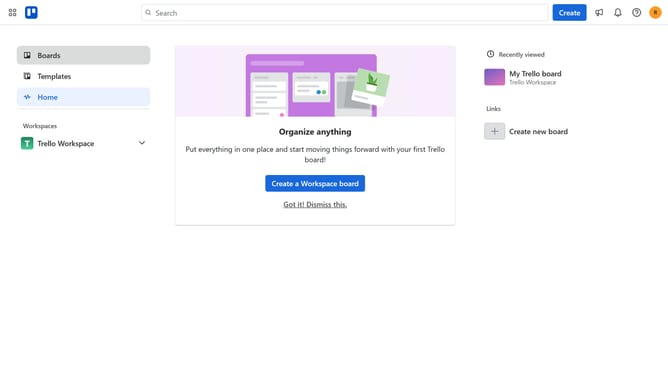
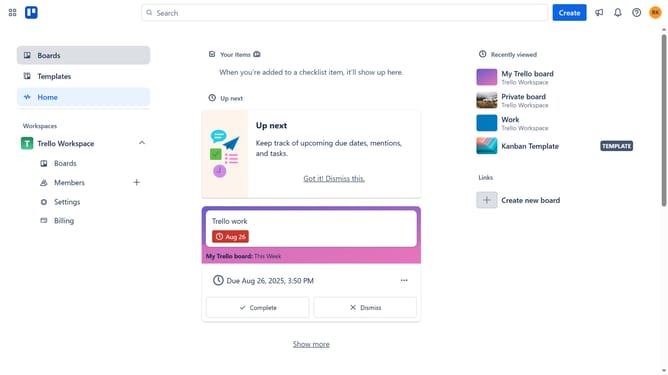
- First click on the "Boards" option in the left sidebar
- Then click a board in the workspace section
- Next click on the "More" menu button (three dots) in the top-right corner of the board
- Click on "Power-Ups" option in the dropdown menu
- Select "Communication & collaboration" category from the left sidebar
- Click on "Card QR Code" power-up's "Add" button
- Finally click the "Add" button in the confirmation dialog to install the Card QR Code power-up
Why should you add card qr code power-up in Trello
Trello is a versatile project management tool designed to streamline task organization and collaboration.
Adding the Card QR Code Power-Up to Trello enhances accessibility by providing unique QR codes for cards. This feature facilitates quick access and effortless sharing of task information across team members or devices.
Utilizing QR codes ensures that all team members can stay updated, even on the go, without needing to log in repeatedly. By integrating this Power-Up, teams can improve their workflow efficiency and communication, ultimately boosting productivity.
Last update