How to add intercom power-up in Trello
Here is how to add intercom power-up in trello
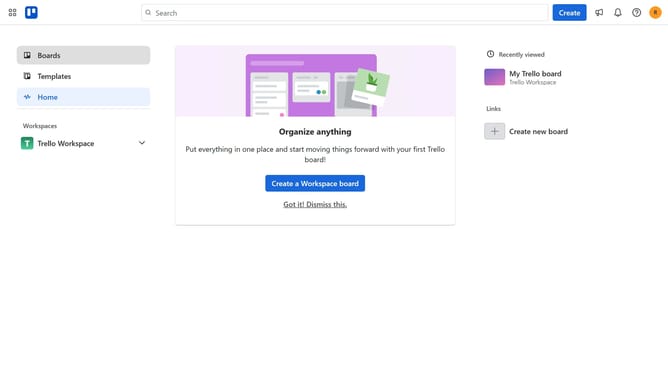
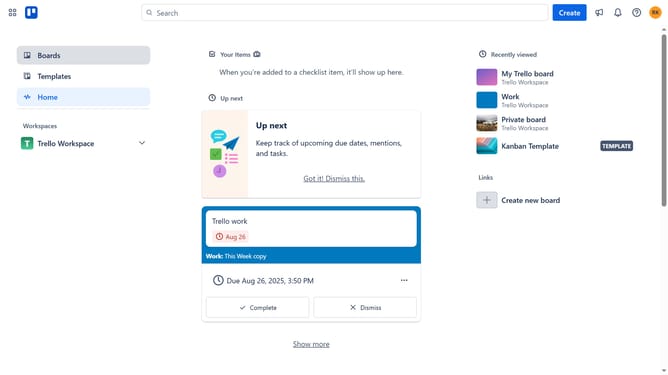
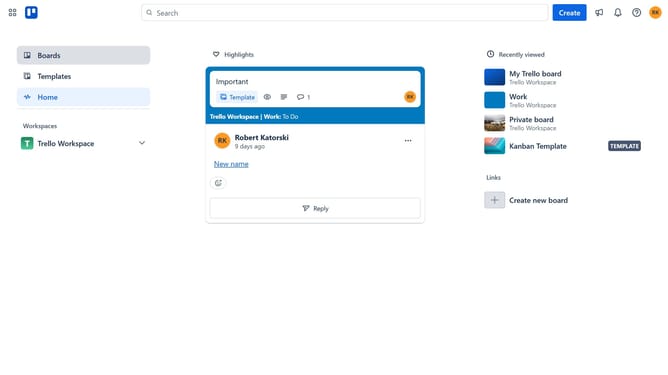
- First click on the "Boards" option in the left sidebar menu
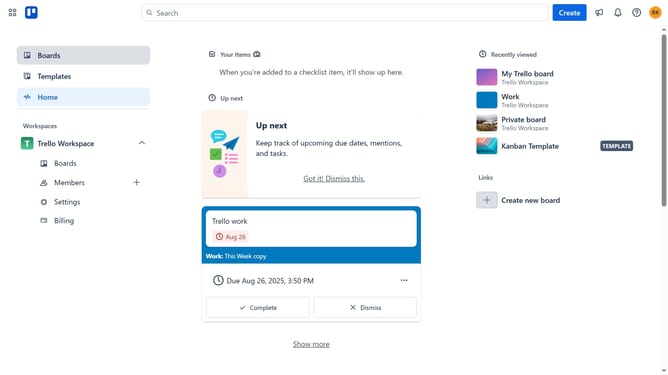
- Then click a board in the workspace section
- Next click on the "More" options button (three dots) in the top-right corner of the board
- Then click on the "Power-Ups" option in the dropdown menu
- Next select the "Communication & collaboration" category from the left sidebar
- Then click on the "Add" button for the Intercom Power-Up
- Finally click the blue "Add" button in the confirmation dialog to install the Intercom Power-Up
Why should you add intercom power-up in Trello
Trello is a dynamic platform designed to make project management visually seamless and intuitive.
Integrating the Intercom Power-Up into Trello enhances team collaboration by connecting customer communication and project tasks in one place.
This feature ensures real-time updates from customer interactions and streamlines workflow efficiency.
By harnessing the synergy between Trello and Intercom, teams can handle customer inquiries more effectively, leading to improved productivity and satisfaction.
Last update