How to add card finder in Trello
Here is how to add card finder in trello
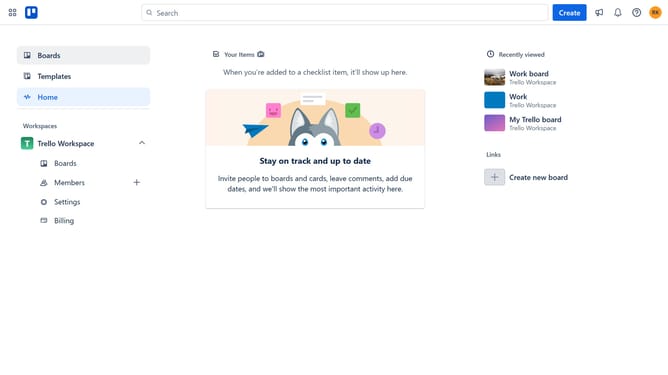
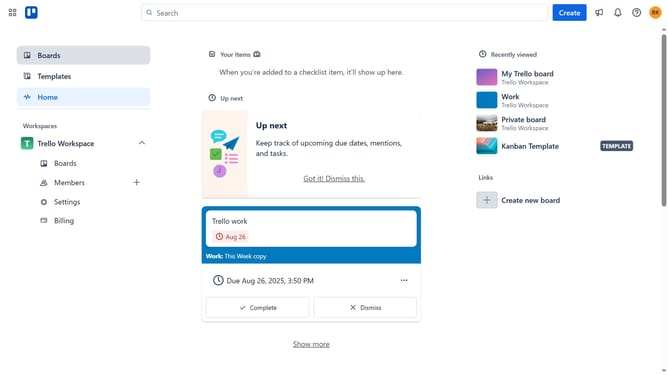
- First click on the "Boards" option in the left sidebar menu
- Then click a board in the main workspace area
- Click on the "More" menu (three dots) button in the top-right corner
- Select "Power-Ups" option from the dropdown menu
- Click on "Board utilities" category in the left sidebar of Power-Ups window
- Scroll down in the board utilities list
- Click on the "Add" button under the Card Finder power-up
- Finally click the "Add" button in the confirmation dialog to install the Card Finder power-up
Why should you add card finder in Trello
Trello is a dynamic tool designed to enhance productivity and streamline project management.
The card finder feature in Trello is a powerful tool that allows users to effortlessly locate specific cards amidst extensive boards, which is invaluable for efficient task management.
The ability to quickly pinpoint tasks ensures that users can remain organized and focused in a fast-paced work environment.
Integrating the card finder aids in minimizing time spent searching, thereby boosting productivity and enhancing the overall user experience.
Last update