How to add google chat power-up in Trello
Here is how to add google chat power-up in trello
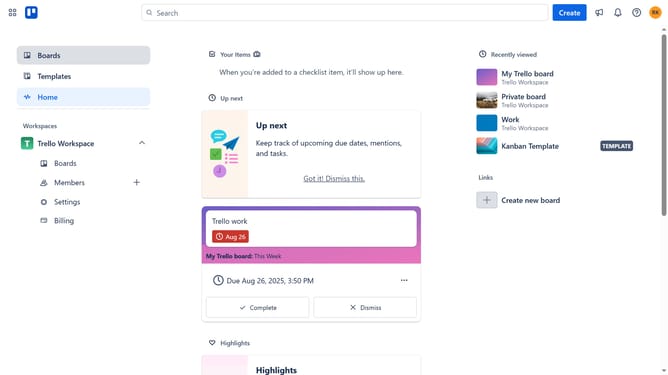
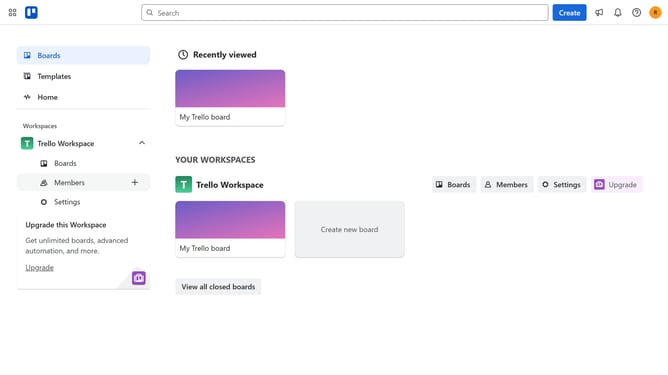
- First click on the "Boards" option in the left sidebar
- Then click a board in the workspace section
- Next click on the menu button ("...") in the top-right corner of the board
- Then click on the "Power-Ups" option in the dropdown menu
- Next click on "Communication & collaboration" category in the left sidebar of the Power-Ups window
- Finally click on the "Add" button under the "Google Chat" power-up to install it
Why should you add google chat power-up in Trello
Trello is a dynamic organizing tool that turns your projects into interactive, visual boards.
By integrating the Google Chat Power-Up in Trello, you elevate your team's communication efficiency. The feature allows users to seamlessly link Google Chat with Trello, fostering quick conversations centered around specific Trello cards.
With this integration, all discussions related to tasks are directly tied to your workflow, ensuring that vital information is only a glance away, thereby enhancing collaboration and streamlining project management.
Last update