How to add sumup power-up in Trello
Here is how to add sumup power-up in trello
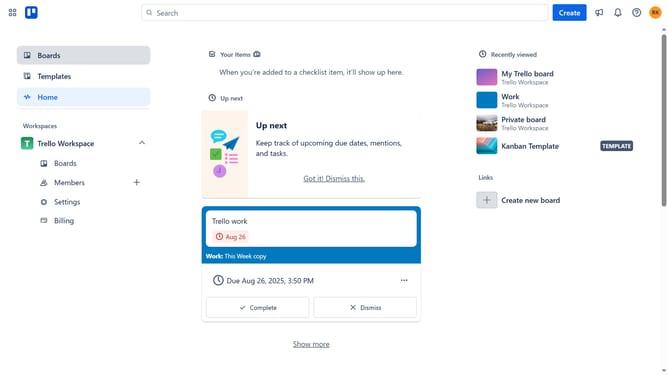
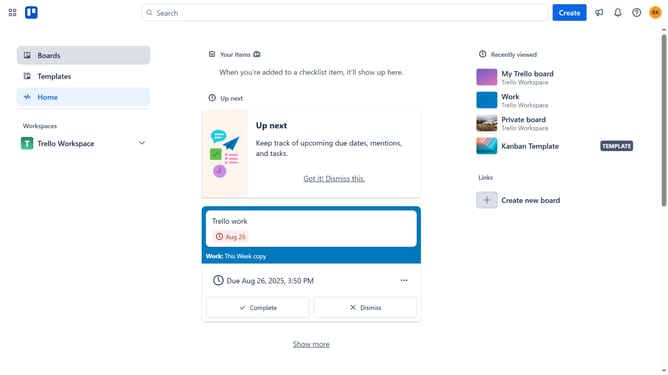
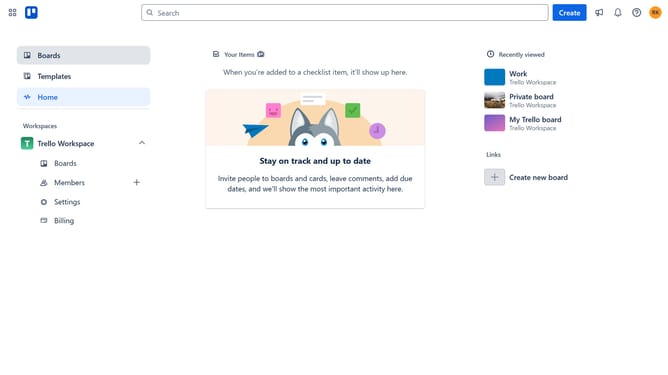
- First click on the "Boards" option in the left sidebar menu
- Next click on the menu button (three dots) in the top-right corner of the board header
- Then click on "Power-Ups" option in the board menu
- Next click on "Analytics & reporting" category in the Power-Ups menu
- Then click on the scroll button to view more Power-Ups
- Next click on the "Add" button for the SumUp Power-Up
- Finally click on the "Add" button to confirm adding the SumUp Power-Up to your board
Why should you add sumup power-up in Trello
Trello is a dynamic tool designed to streamline task management and enhance team collaboration.
Integrating the SumUp Power-Up into Trello amplifies its efficiency by providing an intuitive way to tally numerical data directly from your cards. It seamlessly integrates, offering quick and clear views of totaled figures, which can be crucial for budgeting or tracking progress.
This feature empowers teams to make data-driven decisions with ease, optimizing workflow without leaving the Trello environment, thereby ensuring that all necessary information is at your fingertips.
Last update