How to add timeflow tracker power-up in Trello
Here is how to add timeflow tracker power-up in trello
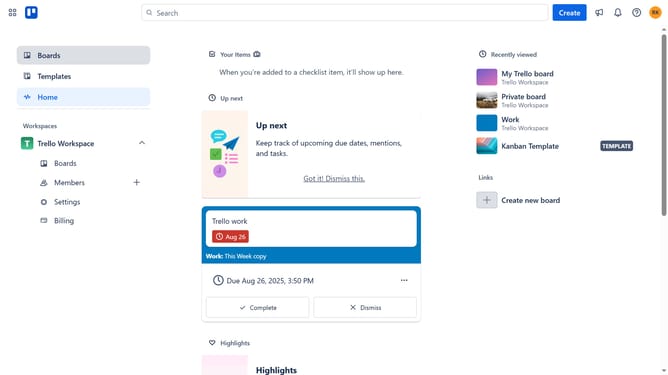
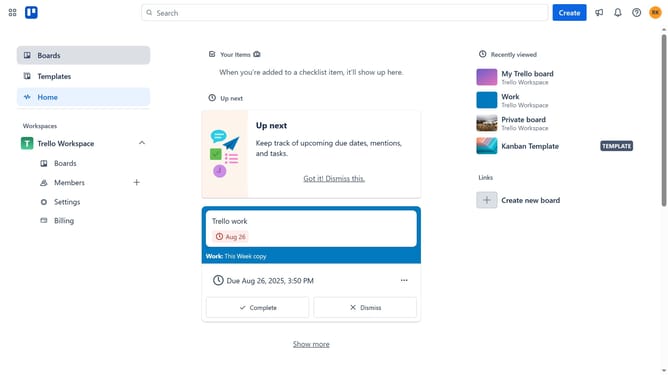
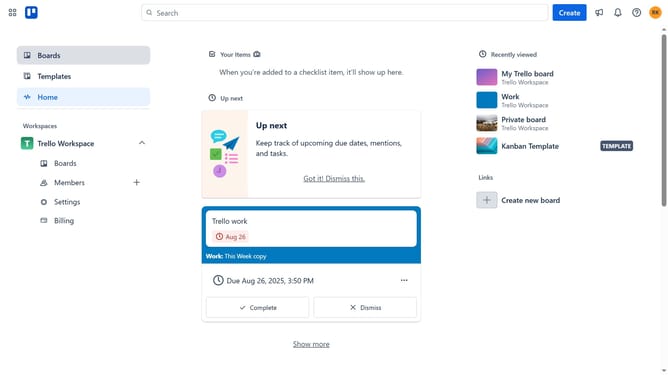
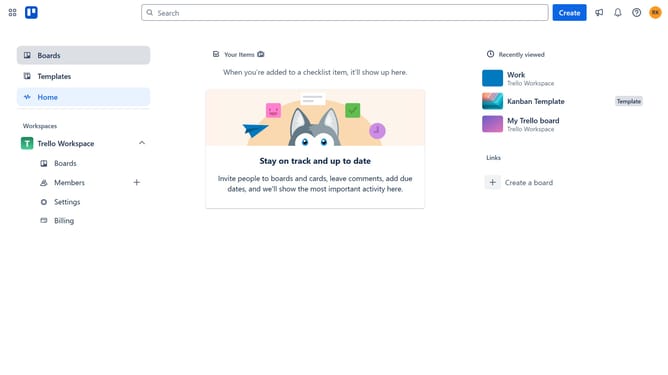
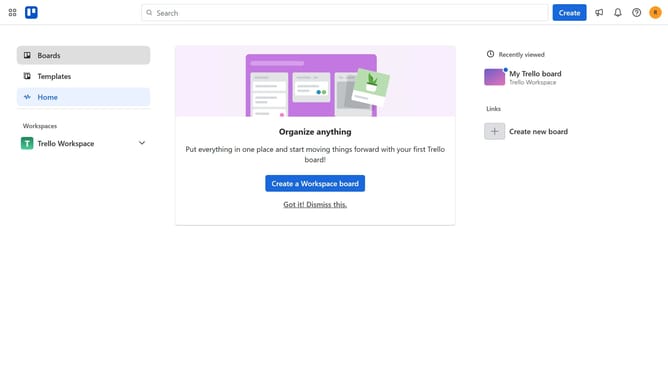
- First click on the "Boards" option in the left sidebar
- Then click a board in the workspace section
- Click the "More" (three dots) menu button in the top-right corner of the board
- Select "Power-Ups" option from the dropdown menu
- Click on "Analytics & reporting" category in the Power-Ups menu
- Click "Add" button under the "Timeflow Tracker" option
- Finally click the "Add" button to install the Timeflow Tracker Power-Up
Why should you add timeflow tracker power-up in Trello
Trello is a dynamic tool designed to streamline project management through visually intuitive boards.
Integrating the Timeflow Tracker Power-Up into Trello enhances productivity by accurately monitoring how much time is spent on tasks within your boards.
This feature provides valuable insights into team performance and workflow efficiency, making it an essential tool for optimizing project timelines.
By tracking time effectively, teams can ensure deadlines are met, resources are used optimally, and productivity remains high.
Last update