How to add box power-up in Trello
Here is how to add box power-up in trello
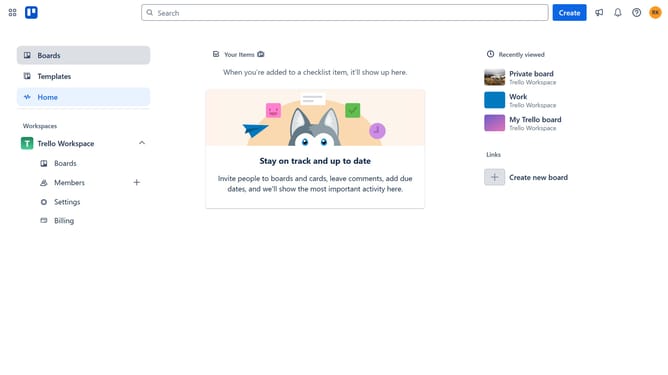
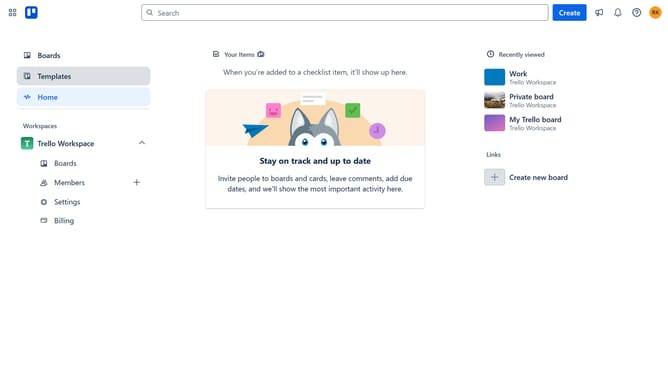
- First click on the "Boards" option in the left sidebar
- Then click a board in the workspace section
- Click on the three dots menu ("...") button in the top-right corner of the board
- Next click on the "Power-Ups" option in the dropdown menu
- Select the "Communication & collaboration" category from the left sidebar in the Power-Ups window
- Finally click on the "Box" Power-Up's "Add" button in the main content area
Why should you add box power-up in Trello
Trello is a flexible project management tool that transforms the way teams collaborate.
By adding the Box Power-Up, Trello users can seamlessly integrate their Box files directly into their Trello boards.
This feature enables teams to attach documents, collaborate on tasks, and maintain a centralized location for all project-related files.
Utilizing the Box Power-Up enhances productivity by keeping important resources easily accessible, ensuring teams stay organized and focused on their goals.
Last update