How to add contalist power-up in Trello
Here is how to add contalist power-up in trello
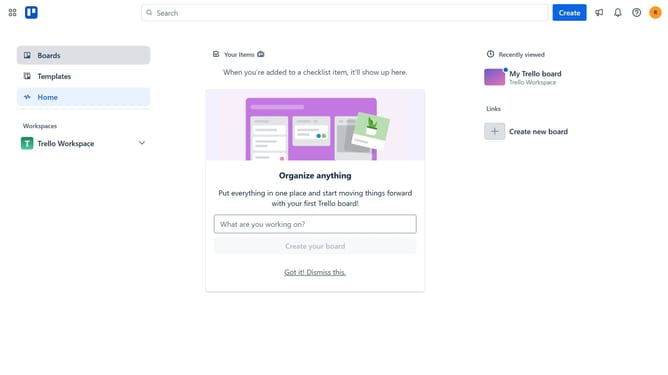
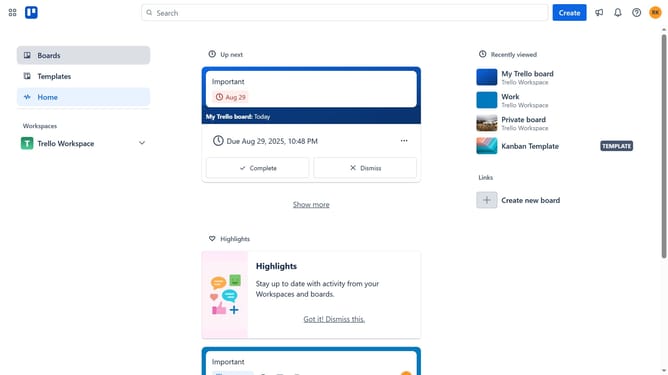
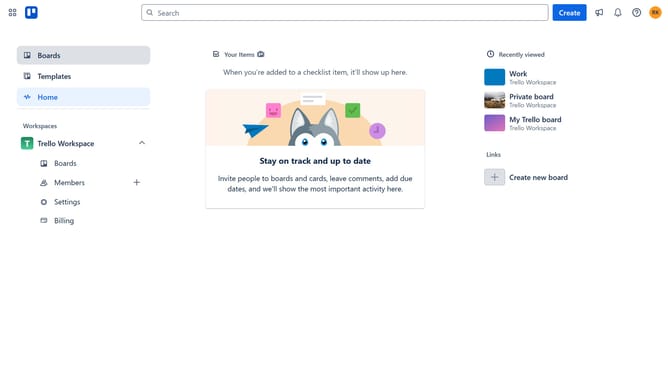
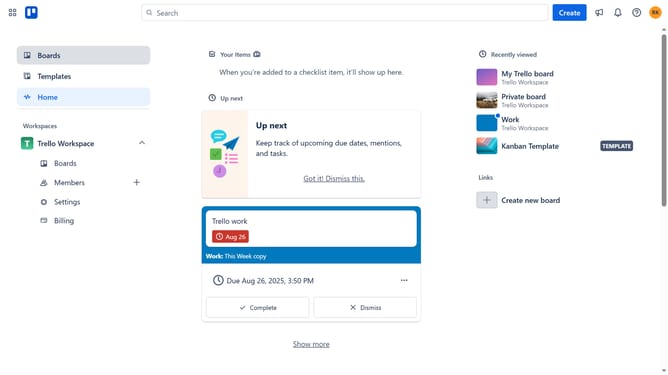
- First click on the "Boards" option in the left sidebar
- Next click a board in the workspace section
- Then click on the "More" menu (three dots) button in the top-right corner
- Next click on "Power-Ups" option in the dropdown menu
- Then click on "Automation" category in the left sidebar
- Scroll down in the automation list
- Next click on "Contalist" power-up's "Add" button
- Finally click on the "Add" button in the confirmation dialog to install the Contalist power-up
Why should you add contalist power-up in Trello
Trello is a versatile productivity tool that simplifies project management by organizing tasks on visually appealing boards.
By integrating the Contalist Power-Up in Trello, users can efficiently manage contacts and communications directly within their boards.
This feature enhances collaborative efforts by centralizing contact information and facilitating seamless communication.
Overall, the Contalist Power-Up streamlines workflow processes, fostering better team collaboration and greater productivity on Trello.
Last update