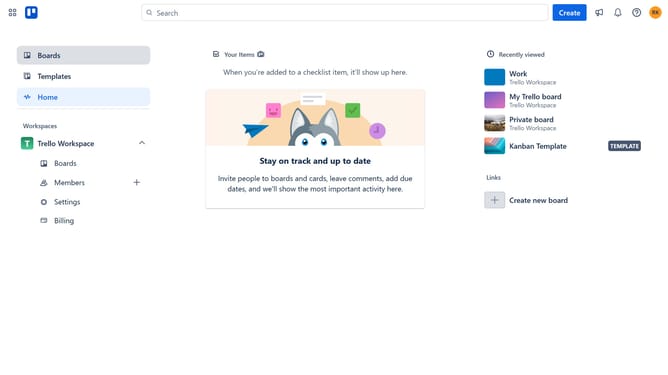
How to add todoist power-up in Trello
Here is how to add todoist power-up in trello
- First click on the "Boards" option in the left sidebar
- Then click a board in the workspace section
- Next click on the menu icon (...) in the top right corner of the board
- In the menu, click on "Power-Ups" option
- Then select "Communication & collaboration" category from the left sidebar
- Click the "Add" button under the "Todoist" power-up in the communication & collaboration list
- Finally click the "Add" button in the Todoist Power-Up confirmation dialog to install it
Why should you add todoist power-up in Trello
Trello is a visually intuitive project management tool that helps organize tasks and streamline workflows.
Integrating the Todoist Power-Up in Trello transforms it into a productivity powerhouse, bringing robust task management capabilities to your boards.
By adding Todoist to Trello, users can seamlessly track their personal and professional tasks in one place, ensuring nothing slips through the cracks.
This integration enhances productivity by consolidating tools, leading to more efficient project handling and greater clarity in task prioritization.
Last update