How to add featvalue power-up in Trello
Here is how to add featvalue power-up in trello
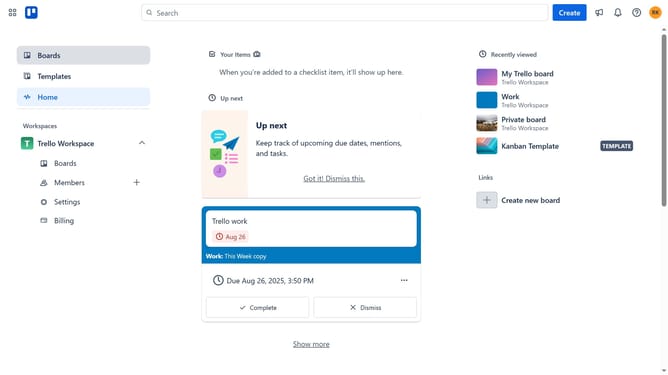
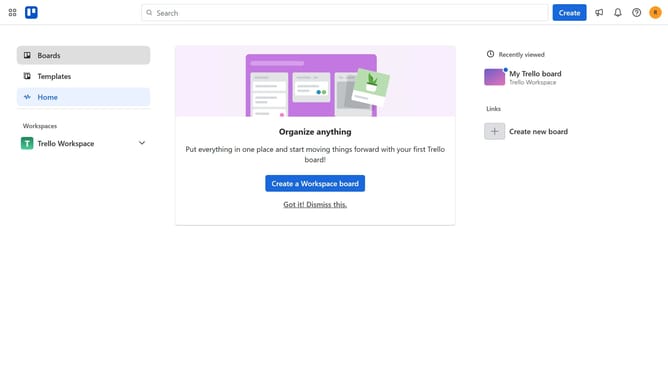
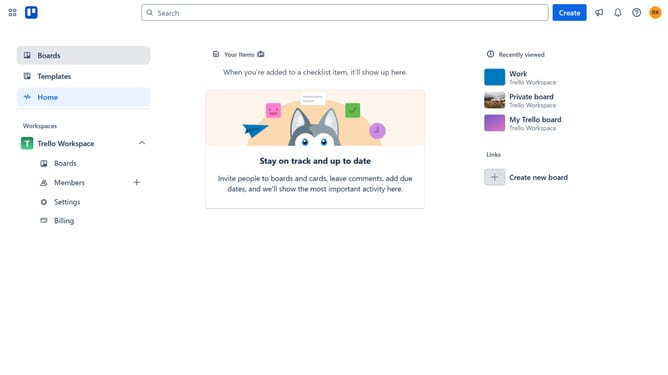
- First click on "Boards" in the left sidebar menu
- Then click a board in the workspace area
- Next click on the "More" menu (three dots) button in the top-right corner of the board
- Then click on "Power-Ups" option in the dropdown menu
- Next click on "Communication & collaboration" category in the left sidebar of Power-Ups window
- Then click on "Add" button for FeatValue Power-Up
- Finally click on "Add" button in the FeatValue confirmation dialog to install it
Why should you add featvalue power-up in Trello
Trello is a versatile project management tool that simplifies task organization using boards, lists, and cards.
Adding the featvalue power-up to Trello can elevate your productivity by unlocking additional functionalities tailored to your needs. This power-up seamlessly integrates with your existing workflow, enhancing your project management capabilities.
Utilizing this feature allows you to streamline processes, improve collaboration, and gain deeper insights into your projects, making it an invaluable addition to your Trello toolkit.
Last update