How to add visitors check-in power-up in Trello
Here is how to add visitors check-in power-up in trello
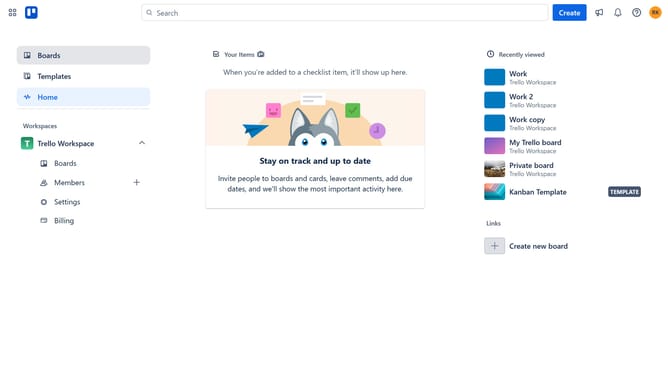
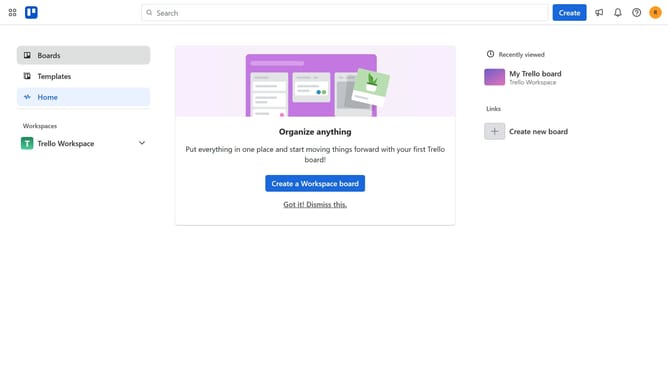
- First click on the "Boards" option in the left sidebar
- Then click a board in the workspace section
- Next click the "More" button (three dots) in the top-right corner of the board
- In the dropdown menu, click on the "Power-Ups" option
- Select the "HR & operations" category from the left sidebar in the Power-Ups window
- Scroll down in the HR & operations list
- Click the "Add" button under the "Visitors Check-In" power-up
- Finally click the "Add" button to confirm and enable the Visitors Check-In Power-Up
Why should you add visitors check-in power-up in Trello
Trello, a versatile project management tool, helps streamline personal and team workflows seamlessly.
Integrating the visitors check-in power-up in Trello makes managing guest visits effortlessly organized, enhancing operational efficiency. This feature allows users to keep track of visitor arrivals and departures directly within their Trello boards, providing a comprehensive view of all guest activity.
Utilizing this power-up is beneficial for maintaining security and gaining insights, resulting in improved resource allocation and coordination for teams and organizations.
Last update