How to add time tracking & reporting power-up in Trello
Here is how to add time tracking & reporting power-up in trello
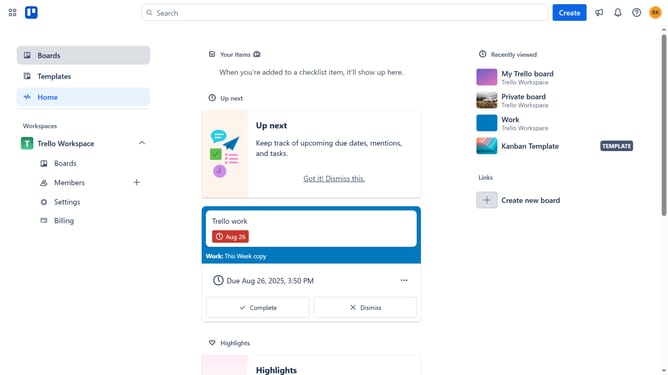
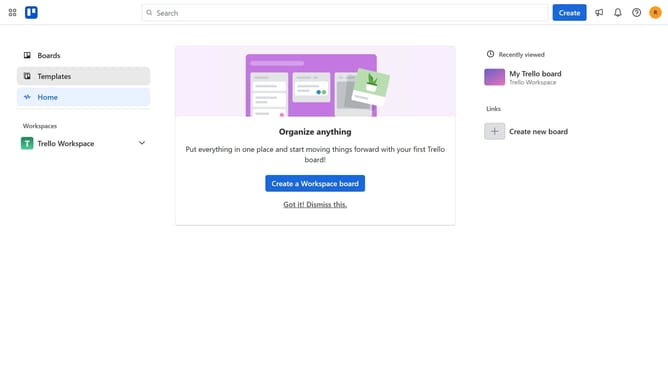
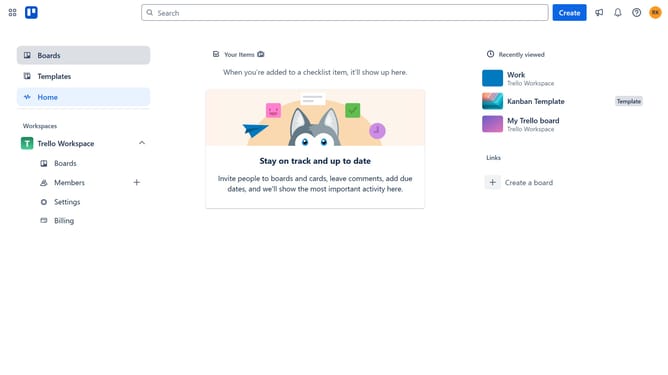
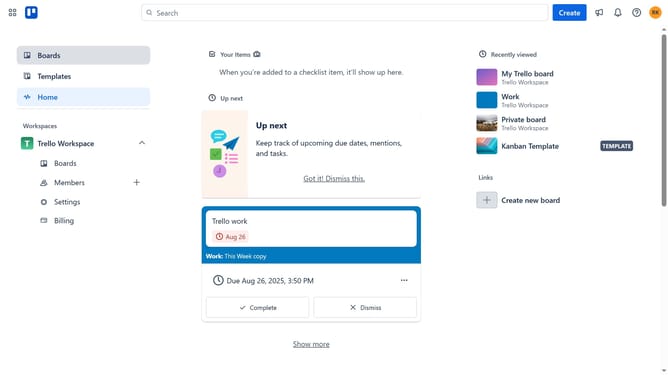
- First click on the "Boards" option in the left sidebar
- Then click a board in the Trello Workspace section
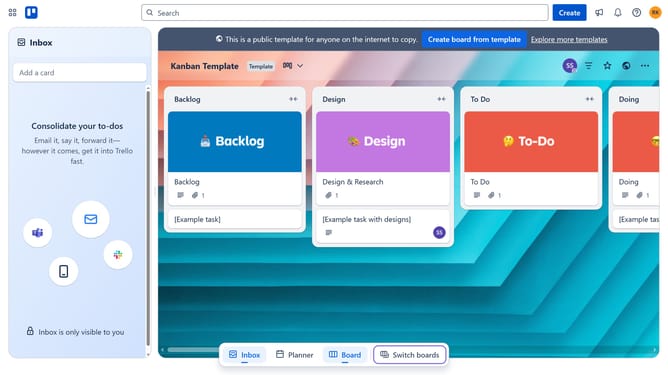
- In the board view, click the "More" (three dots) menu button in the top-right corner
- Select "Power-Ups" option from the dropdown menu
- Click on "Analytics & reporting" category in the left sidebar of Power-Ups window
- Scroll down and locate "Time Tracking & Reporting" Power-Up
- Click the "Add" button under the Time Tracking & Reporting Power-Up
- Finally click the "Add" button in the confirmation dialog to install the Power-Up
Why should you add time tracking & reporting power-up in Trello
Trello is a dynamic tool designed to streamline project management and collaboration effortlessly.
Integrating the time tracking & reporting power-up into your Trello boards enables precise monitoring of task durations directly within your workspace.
This feature enhances productivity by allowing teams to allocate time efficiently, identify bottlenecks, and forecast project timelines with ease.
By providing valuable insights into time allocation, it empowers data-driven decision-making and boosts overall project efficiency, ultimately leading to more effective project execution.
Last update