How to add deeplists power-up in Trello
Here is how to add deeplists power-up in trello
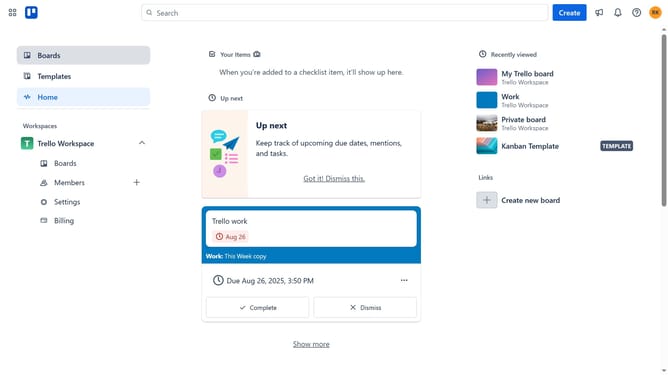
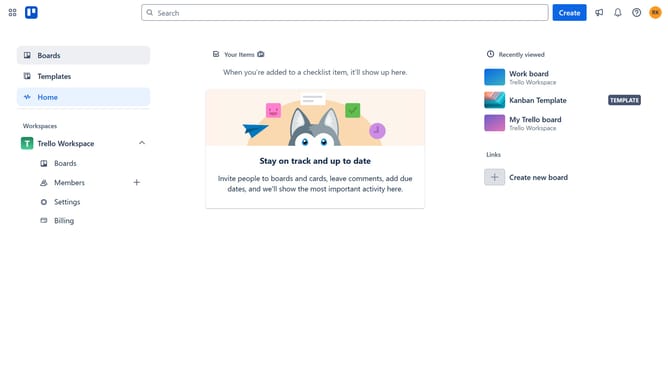
- First click on the "Boards" option in the left sidebar menu
- Then click a board in the workspace boards list
- Next click on the "More" menu button (three dots) in the top-right corner
- In the dropdown menu, click on the "Power-Ups" option
- Next click on the "Board utilities" category in the left sidebar of Power-Ups window
- Then click on "Add" button under the "Deeplists - Powerful Checkliksts" power-up
- Finally click the "Add" button on the Deeplists Power-Up details page to install it
Why should you add deeplists power-up in Trello
Trello is a versatile task management tool designed to streamline project collaboration.
Enhancing Trello with the DeepLists power-up unlocks the ability to organize and manage lists within lists, adding depth and clarity to your workflow.
By utilizing DeepLists, you can break down complex tasks into manageable subtasks, improving task breakdown visibility and project navigation.
This feature significantly boosts efficiency and productivity, ultimately providing a more structured and detailed approach to managing intricate projects.
Last update