How to add font kenen power-up in Trello
Here is how to add font kenen power-up in trello
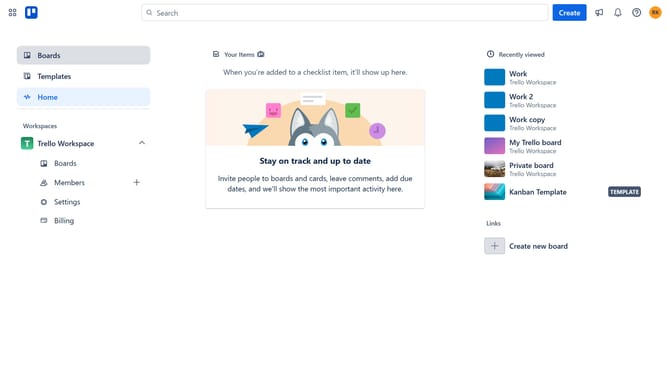
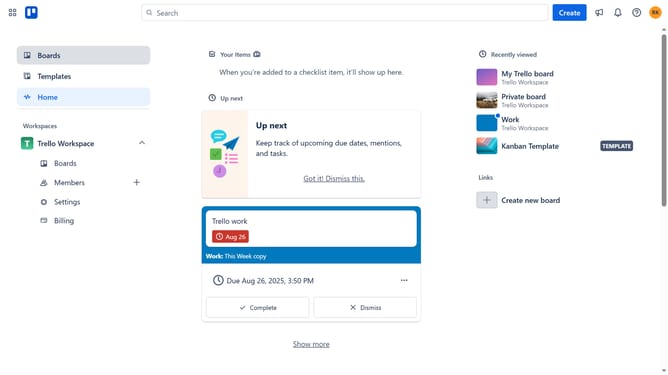
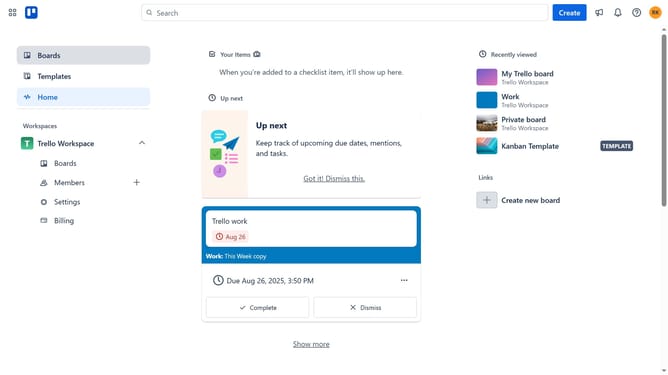
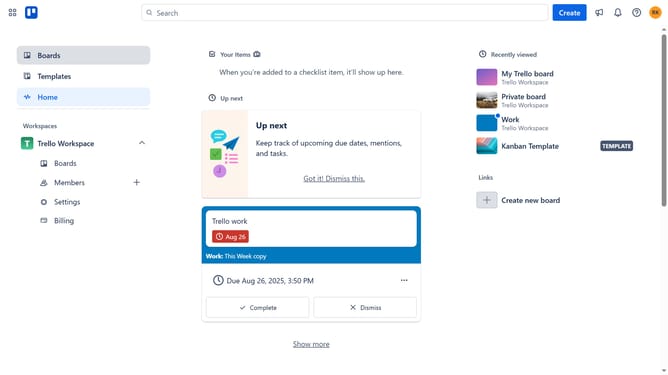
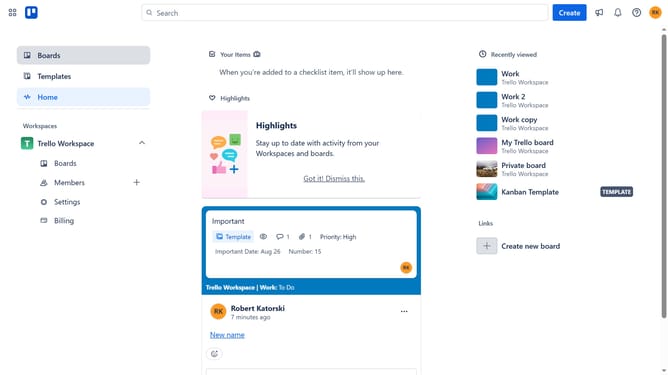
- First click on the board title in the left sidebar
- Then click a board in the workspace section
- Next click on the "More" three dots menu button in the top-right corner of the board
- In the dropdown menu, click on "Power-Ups" option
- Scroll down in the power-ups menu
- In the left sidebar, click on the "Product & design" category
- Click the "Add" button under the Font Keren power-up
- Finally click on the "Add" button to install the Font Keren Power-Up
Why should you add font kenen power-up in Trello
Trello is an intuitive project management tool designed to streamline workflows and enhance team collaboration.
Adding the Font Kenen power-up to Trello allows users to customize the typography of their boards for improved readability and visual appeal.
With Font Kenen, your Trello boards become more personalized, helping information stand out and boosting productivity.
Experience a tailored workspace that reflects your style while maintaining the efficiency and functionality you expect from Trello.
Last update