How to add scaled by screenful power-up in Trello
Here is how to add scaled by screenful power-up in trello
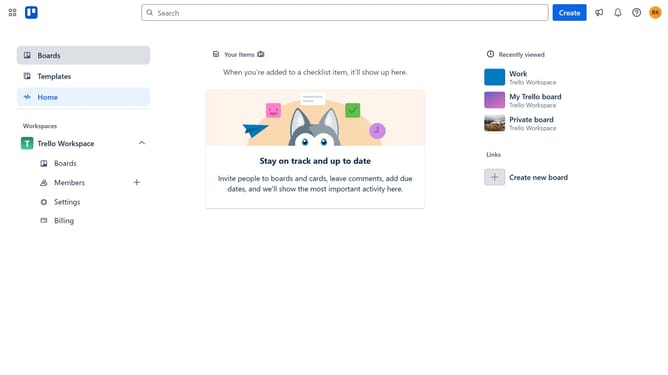
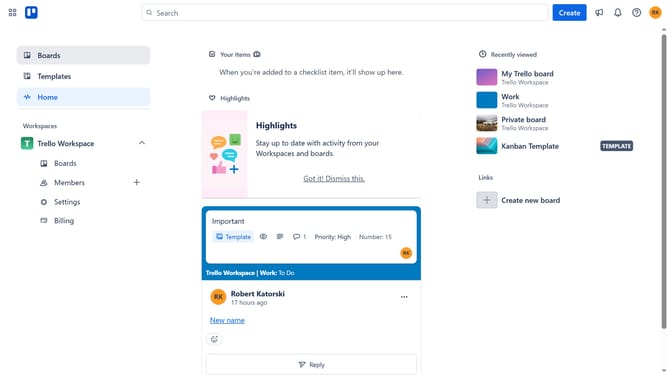
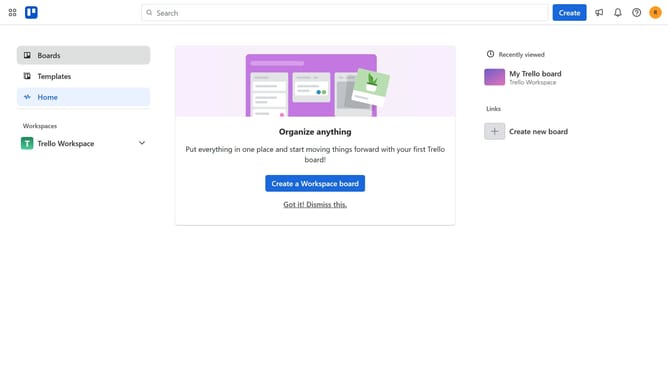
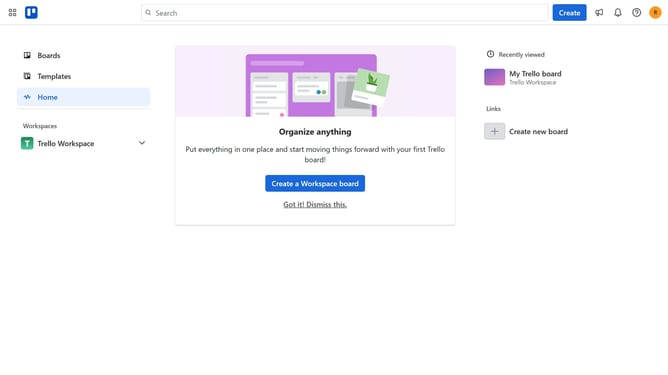
- First click on the "Boards" item in the left sidebar
- Then click on a board in the workspace section
- Next click on the "More options" button (three dots) in the top-right corner of the board
- Then click on "Power-Ups" option in the dropdown menu
- In the Power-Ups window, click on "Developer tools" category in the left sidebar
- Then click on the "Add" button under the "Scaled by Screenful" power-up card
- Finally click on the "Add" button in the Scaled by Screenful details dialog to install it
Why should you add scaled by screenful power-up in Trello
Trello is a dynamic project management tool designed to help teams organize tasks efficiently.
The Scaled by Screenful power-up enhances Trello by providing visual and analytical insights into your workflow, improving productivity and decision-making.
Adding this feature allows teams to better manage their time and resources by offering data at a glance. It's particularly beneficial for those seeking to streamline operations and increase transparency across their projects.
Last update