How to add agile story maps by storiesonboard power-up in Trello
Here is how to add agile story maps by storiesonboard power-up in trello
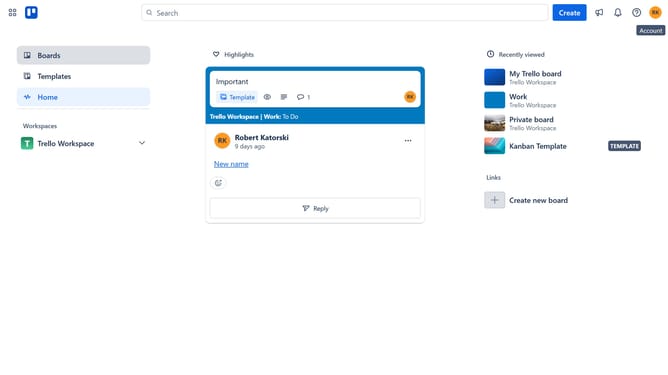
- First click on the "Boards" option in the left sidebar
- Then click a board in the workspace area
- Next click on the "More options" button (three dots) in the top-right corner of the board
- Then click on "Power-Ups" option in the dropdown menu
- In the Power-Ups window, click on the scrollbar to scroll down
- Next click on "IT & project management" category in the left sidebar
- Then click on "Add" button under the Agile Story Maps by StoriesOnBoard
- Finally click on "Add" button in the confirmation dialog to install the Power-Up
Why should you add agile story maps by storiesonboard power-up in Trello
Trello is a versatile project management tool designed to streamline task organization and collaboration.
The StoriesOnBoard Power-Up enhances Trello by introducing agile story mapping, a visual way to arrange tasks based on user stories, ensuring clarity in project workflows.
Integrating this feature helps teams prioritize effectively and maintain focus on user-centric development, leading to improved productivity and clearer objectives.
Last update