How to filter cards due in the next day in Trello
Here is how to filter cards due in the next day in trello
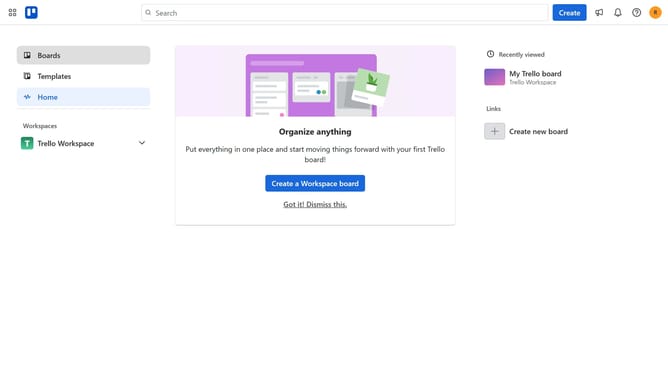
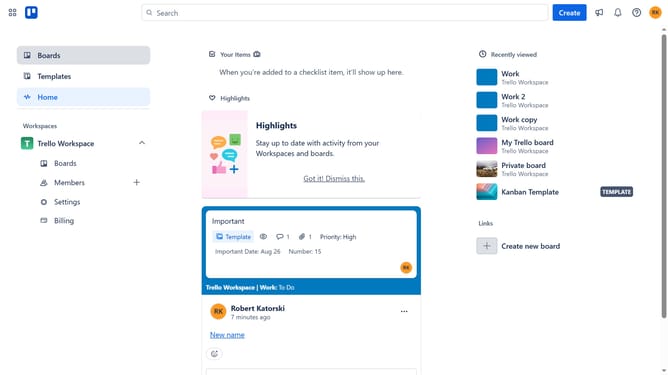
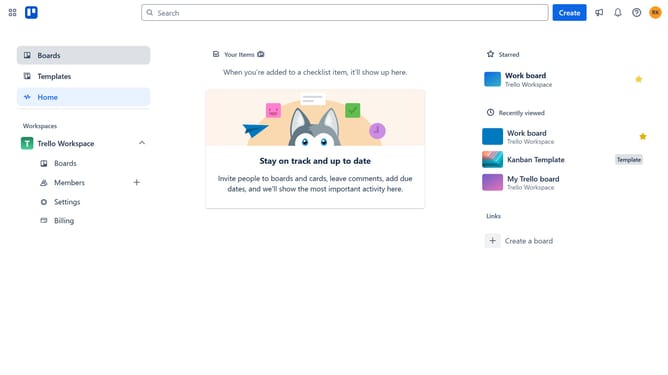
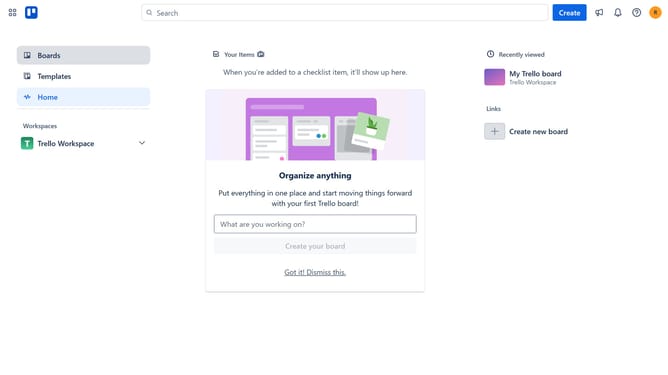
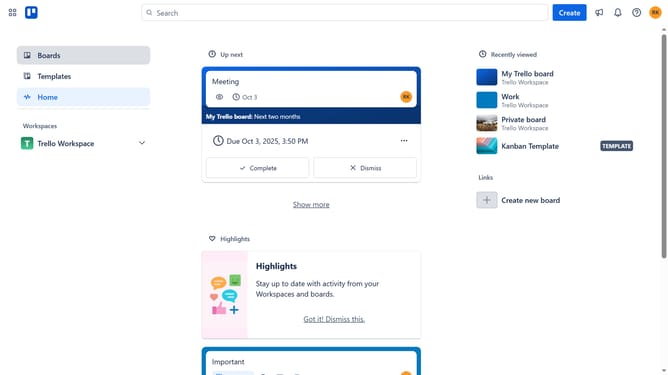
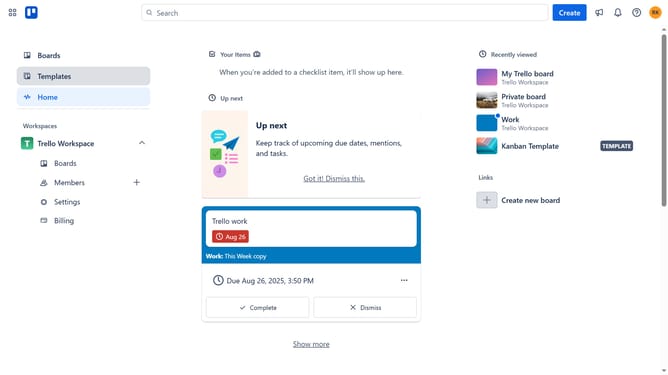
- First click on the "Boards" option in the left sidebar
- Then click a board in Trello Workspace section
- Next click on the "Filter" button in the board's top toolbar
- Finally click on the checkbox next to the "Due in the next day" filter option in the filter panel
Why should you filter cards due in the next day in Trello
Trello is an intuitive project management tool designed to streamline teamwork and boost productivity.
Filtering cards due in the next day within Trello enhances your focus by highlighting immediate tasks. This feature allows you to hone in on pressing deadlines, ensuring timely completion and reducing last-minute stress.
By efficiently prioritizing tasks due soon, Trello empowers you to manage workload smarter and achieve daily goals with ease.
Ultimately, this proactive approach fosters seamless collaboration and sustained productivity among teams.
Last update