How to add mailchimp in Trello
Here is how to add mailchimp in trello
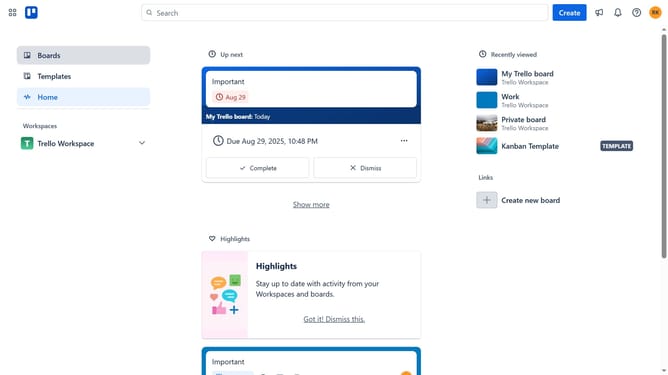
- First click on "Boards" in the left sidebar
- Then click a board in the workspace section
- Next click the ellipsis menu ("...") button in the board header
- Then click on "Power-Ups" option in the dropdown menu
- Next click on "Analytics & reporting" category in the Power-Ups sidebar
- Finally click on "Add" button for the "MailChimp" Power-Up to install it
Why should you add mailchimp in Trello
Trello is a versatile project management tool designed to enhance workflow organization through its intuitive board and card system.
Integrating Mailchimp with Trello combines the best of email marketing with seamless task management. This feature allows you to track email campaigns directly alongside your project activities, ensuring that your marketing efforts align with team objectives.
The benefit of linking Mailchimp to Trello is the streamlined communication it fosters, enabling team members to stay informed and collaborate efficiently on marketing strategies. This integration is ideal for maintaining continuity between diverse teams and diverse tasks.
Last update