How to add time slot calendar power-up in Trello
Here is how to add time slot calendar power-up in trello
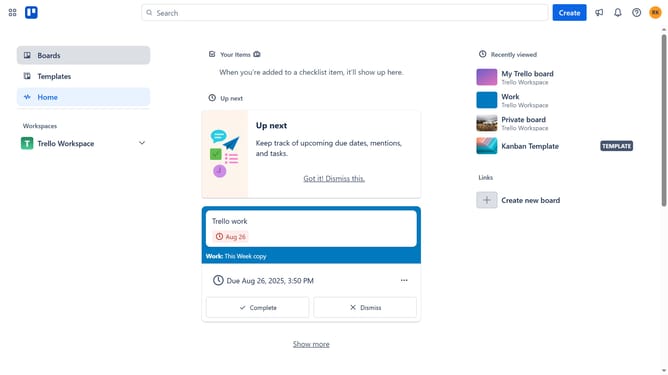
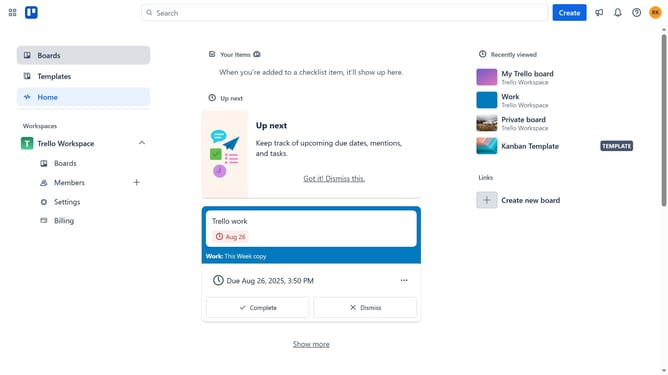
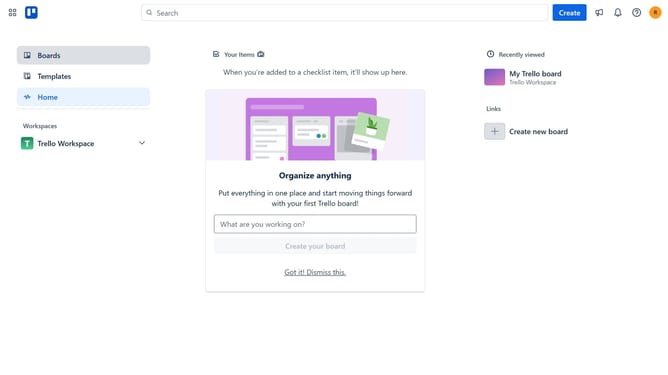
- First click on the "Boards" option in the left sidebar
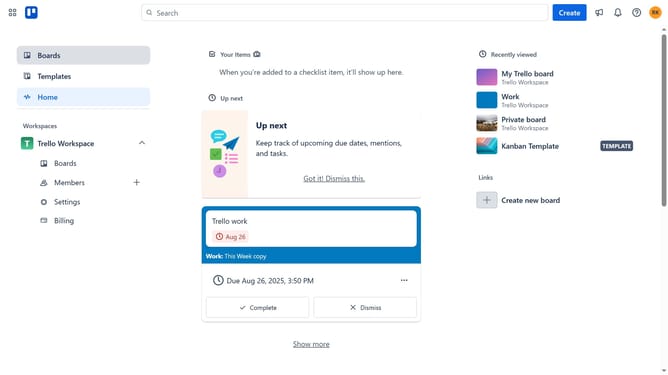
- Then click a board in the workspace section
- Click on the "More" (three dots) button in the top-right corner of the board
- Select "Power-Ups" option from the dropdown menu
- In the Power-Ups menu, click on "Communication & collaboration" category in the left sidebar
- Click on the "Add" button under the "Time Slot Calendar" power-up card
- Finally click the "Add" button in the Time Slot Calendar confirmation dialog to install it
Why should you add time slot calendar power-up in Trello
Trello is a collaborative tool designed to organize projects into boards, enabling visual teamwork efficiency.
Integrating a time slot calendar power-up in Trello allows users to visualize their schedules directly on their boards. This enhancement brings structure to workflow management by allowing you to allocate specific time slots to tasks.
This powerful feature provides clarity and helps in optimizing your team's productivity. Streamlining tasks within this visual timeline ensures everyone stays on track and deadlines are met with ease.
Last update