How to add exportefy power-up in Trello
Here is how to add exportefy power-up in trello
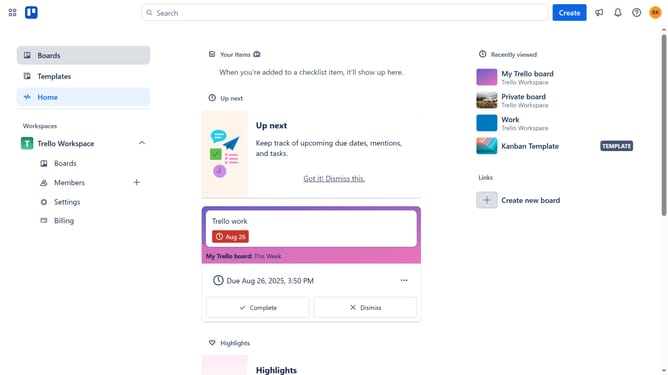
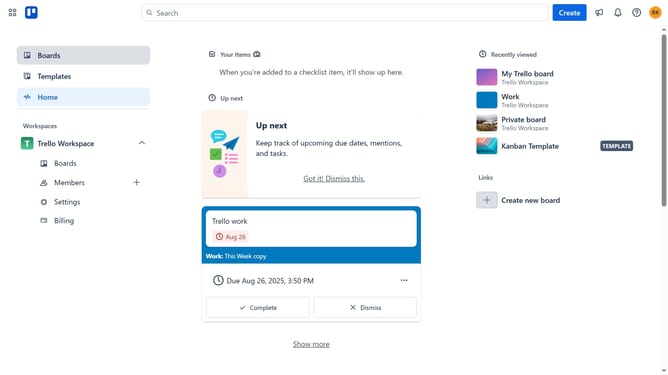
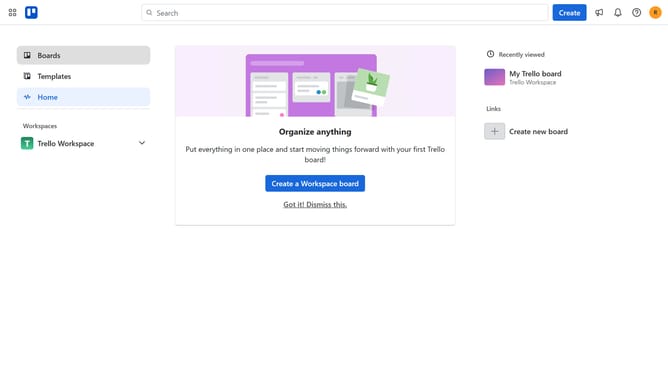
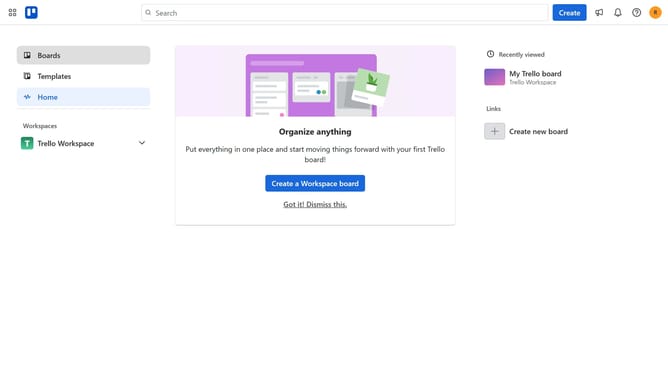
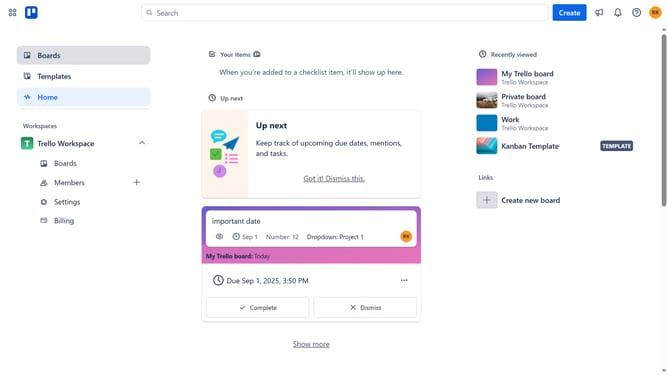
- First click on the "Boards" option in the left sidebar
- Then click a board in the workspace board list
- Next click on the three dots menu ("...") in the top-right corner of the board
- Click on "Power-Ups" option from the dropdown menu
- Select "Automation" category from the left sidebar in Power-Ups window
- Click "Add" button under the "Exportefy" power-up
- Finally click on the "Add" button on the Exportefy power-up details page to install it
Why should you add exportefy power-up in Trello
Trello is an intuitive project management tool designed to streamline organization and collaboration.
By incorporating the Exportefy power-up in Trello, users unlock the ability to easily export board data into CSV format. This feature enhances efficiency, simplifying data manipulation and reporting.
Utilizing Exportefy, teams can seamlessly share detailed project outlines or analyze task progress outside the Trello environment. The straightforward integration of this power-up allows for more versatile data handling, providing a clear path to enhanced productivity and organized project tracking.
Last update