How to add board assistant power-up in Trello
Here is how to add board assistant power-up in trello
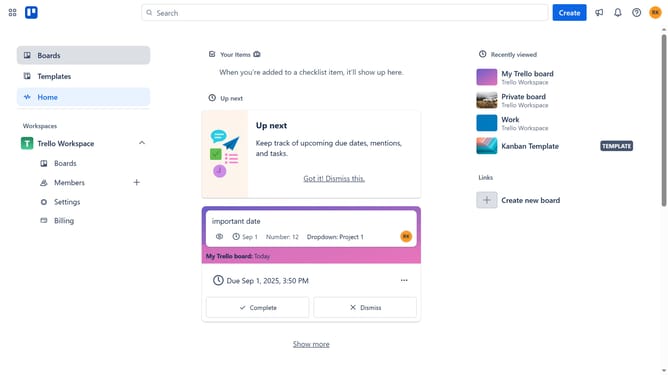
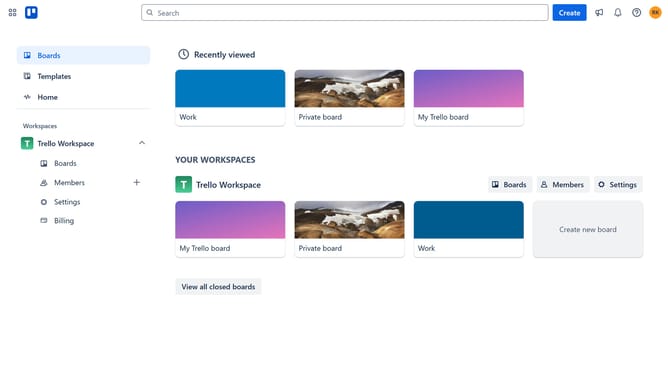
- First click on the "Boards" option in the left sidebar menu
- Then click a board in the workspace section
- Next click on the three dots menu button in the top-right corner of the board
- Then select "Power-Ups" option from the dropdown menu
- Click on the "Automation" category in the left sidebar of Power-Ups window
- Next click on "Add" button under the "Board Assistant" Power-Up to view its details
- Finally click the "Add" button to install the Board Assistant Power-Up
Why should you add board assistant power-up in Trello
Trello is a powerful visual tool designed to streamline project management and enhance team collaboration.
Adding the board assistant power-up in Trello provides an intuitive way to automate tasks and optimize workflow efficiency. This feature seamlessly integrates reminders, smart notifications, and custom prompts to guide users through their projects effortlessly.
Utilizing the board assistant can significantly reduce manual task management, allowing teams to focus on what's essential and achieve goals with increased productivity and streamlined communication.
Last update