How to add office hub by kryl solutions in Trello
Here is how to add office hub by kryl solutions in trello
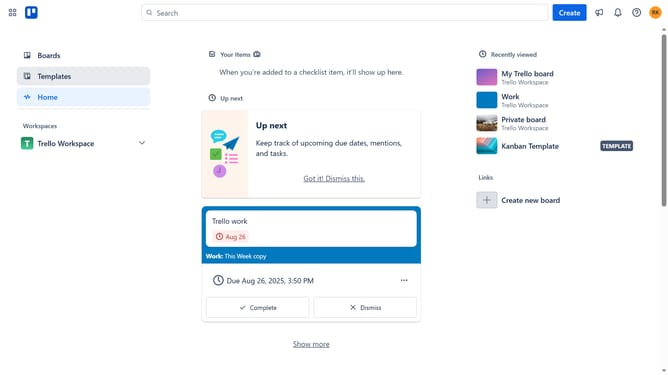
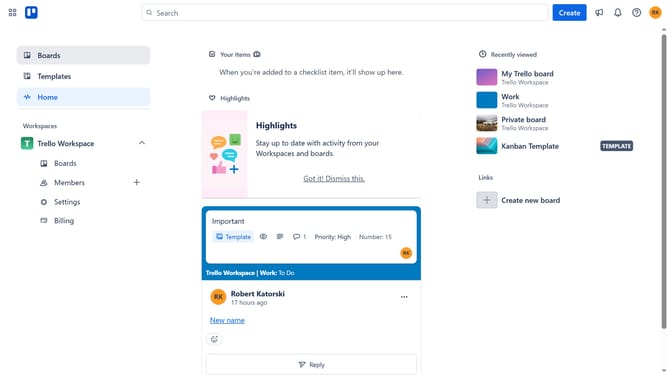
- First click on the "Boards" option in the left sidebar menu
- Then click a board in the workspace section
- Next click on the "More options" button (three dots) in the top-right corner of the board
- Then click on "Power-Ups" option in the dropdown menu
- In the Power-Ups window, click on the "Communication & collaboration" category in the left sidebar
- Scroll down in the Power-Ups list and locate "Office Hub by Kryl Solutions"
- Click the "Add" button next to the Office Hub Power-Up
- Finally click the "Add" button in the confirmation dialog to complete the Power-Up installation
Why should you add office hub by kryl solutions in Trello
Trello is a dynamic platform designed to help organize your tasks and projects visually.
Integrating the Office Hub by Kryl Solutions into your Trello workspace enhances productivity by centralizing essential tools and resources in one place.
With the addition of the Office Hub, team collaboration becomes seamless, reducing time spent switching between applications.
This integration supports a cohesive workflow, enabling teams to stay focused on what matters, leading to more efficient project management.
Last update