How to add ai ticket creation power-up in Trello
Here is how to add ai ticket creation power-up in trello
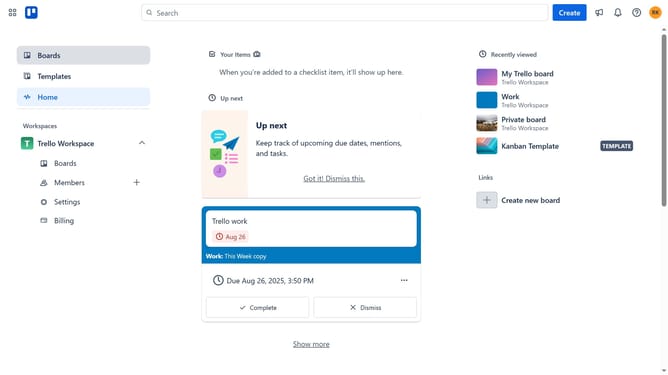
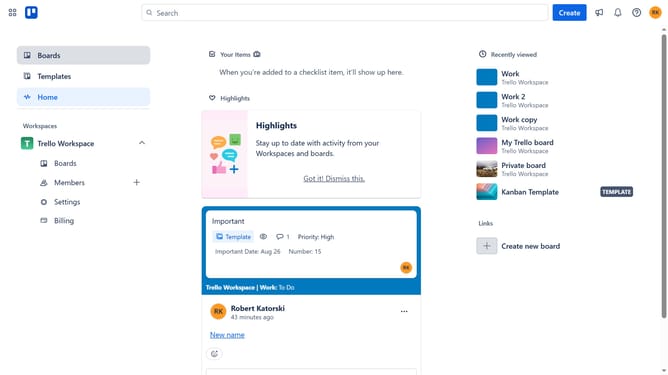
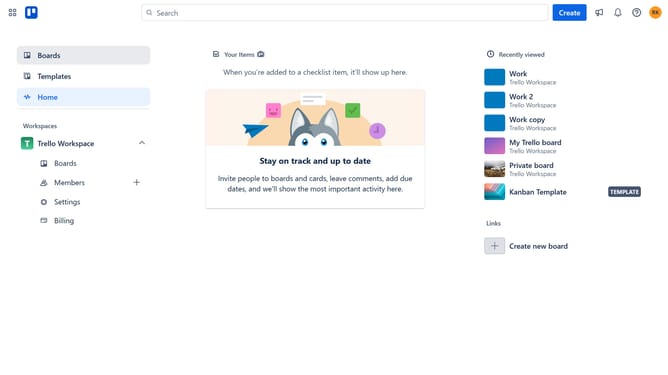
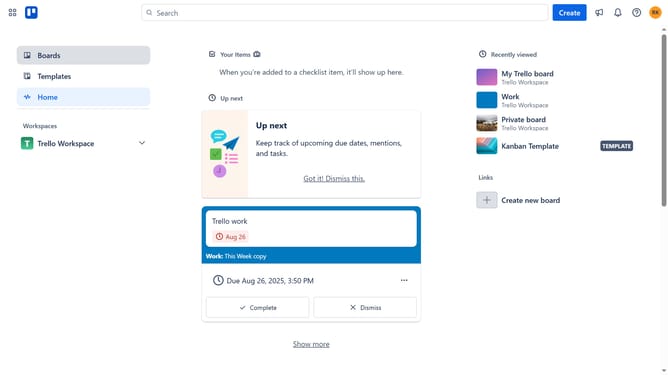
- First click on the "Boards" option in the left sidebar menu
- Then click a board in the workspace area
- Next click on the three dots menu button in the top-right corner of the board
- Select "Power-Ups" from the dropdown menu
- Click on the "Automation" category in the left sidebar of the Power-Ups window
- Click on the "Add" button under the "Ai Ticket Creation - TrellAi" power-up
- Finally click the "Add" button for the "Ai Ticket Creation - TrellAi" power-up
Why should you add ai ticket creation power-up in Trello
Trello, a versatile project management tool, helps streamline tasks and boost productivity with its intuitive boards and cards.
Add the AI ticket creation power-up in Trello to enhance efficiency. This feature transforms content into actionable tickets, ensuring a seamless workflow automation.
By leveraging AI for ticket creation, teams can minimize manual input and focus on their core tasks, leading to increased accuracy and time savings. Enjoy a smoother process with smart ticket suggestions aligned with your project goals.
Last update