How to switch board to table view in Trello
Here is how to switch board to table view in trello
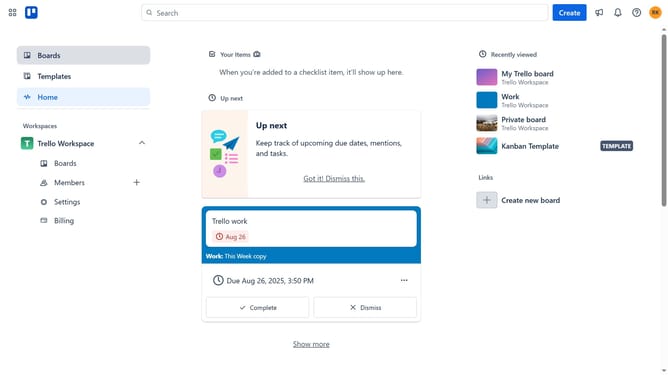
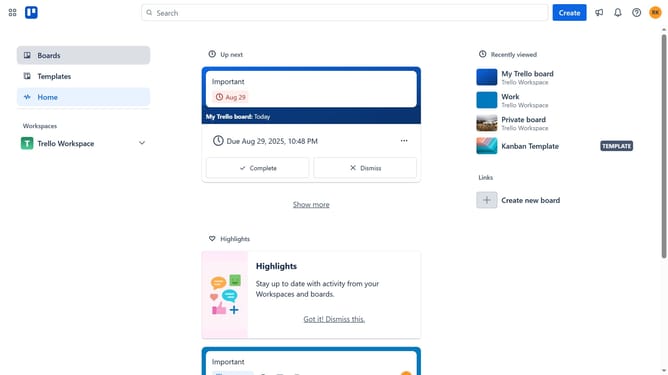
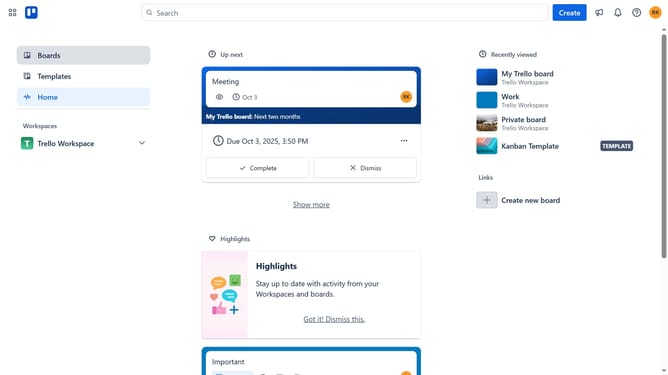
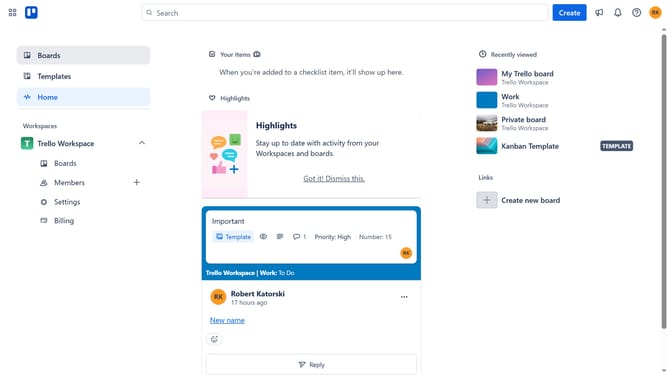
- First click on the "Boards" option in the left sidebar navigation menu
- Then click a board in the workspace boards section
- Next click on the "View" dropdown button in the board header
- Finally select the "Table" view option from the dropdown menu
Why should you switch board to table view in Trello
Trello is a dynamic platform designed for seamless task management and collaboration through interactive boards and lists.
The table view feature in Trello enhances organization by allowing users to transform board data into a structured, easy-to-read tabular format.
Switching to table view can streamline the process of tracking tasks and deadlines, providing a comprehensive overview that simplifies decision-making.
This feature is particularly beneficial for those managing complex projects, as it offers increased clarity and accessibility while maintaining flexibility.
Last update