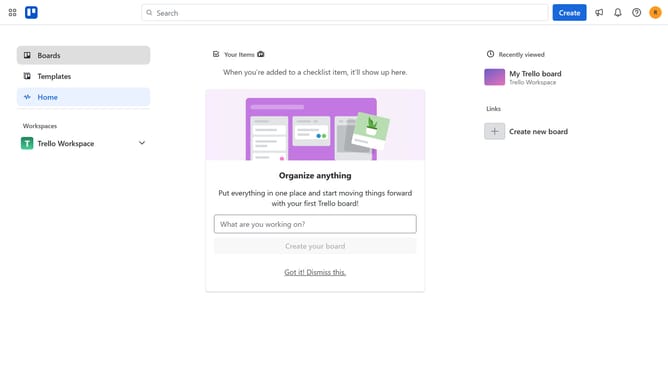
How to add toggl integration power-up in Trello
Here is how to add toggl integration power-up in trello
- First click on the "Boards" option in the left sidebar
- Then click a board in the workspace area
- Next click on the "More options" menu button (three dots) in the top-right corner
- Click on "Power-Ups" option in the dropdown menu
- Scroll down in the power-ups list
- Select "IT & project management" category from the left sidebar
- Click the "Add" button under the Toggl Integration for Trello power-up
- Finally click the "Add" button in the confirmation dialog to install the power-up
Why should you add toggl integration power-up in Trello
Trello is a dynamic platform designed to streamline task management with visual boards and easy collaboration.
By adding the Toggl integration power-up in Trello, users can enhance their productivity with seamless time tracking capabilities.
This integration allows for efficient monitoring of how much time is spent on each task, making workload management more precise.
Overall, integrating Toggl within Trello maximizes project efficiency by bringing time awareness to your task planning and execution.
Last update