How to filter cards without no members in Trello
Here is how to filter cards without no members in trello
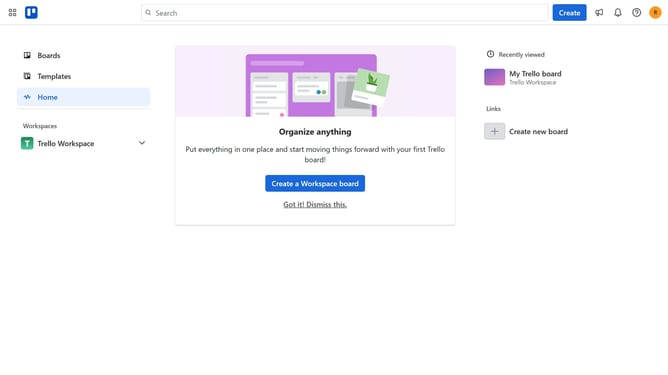
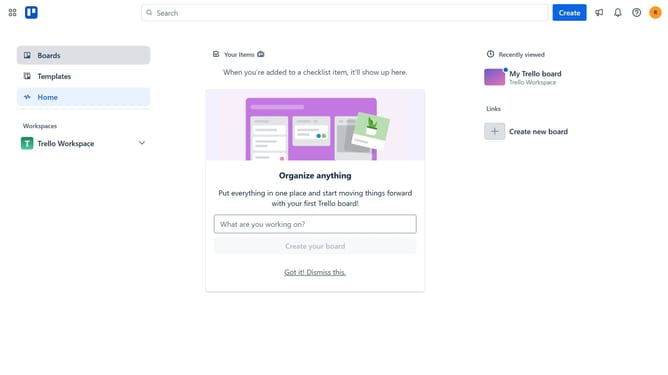
- First click on "Boards" in the left sidebar menu
- Then select a board in the workspace section
- Next click on the "Filter" button in the top toolbar of the board
- Finally click the checkbox next to the "No members" option in the filter menu
Why should you filter cards without no members in Trello
Trello is a dynamic visual tool designed to streamline project management and collaboration effortlessly.
Filtering cards without members in Trello is a feature that enhances your workflow by allowing you to identify and prioritize tasks that might fall through the cracks due to the lack of ownership. This ensures every task is on track and assigned to the right person, preventing any oversight.
By focusing on memberless tasks, teams can optimize their efficiency, promote accountability, and maximize productivity. This feature keeps your projects moving forward seamlessly, eliminating bottlenecks before they impact your progress.
Last update