How to add spreadsheetweb power-up in Trello
Here is how to add spreadsheetweb power-up in trello
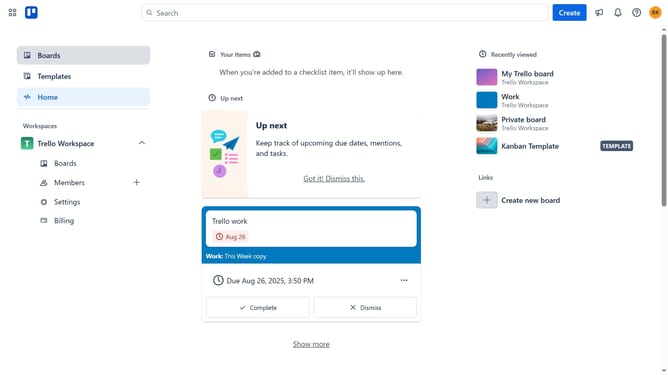
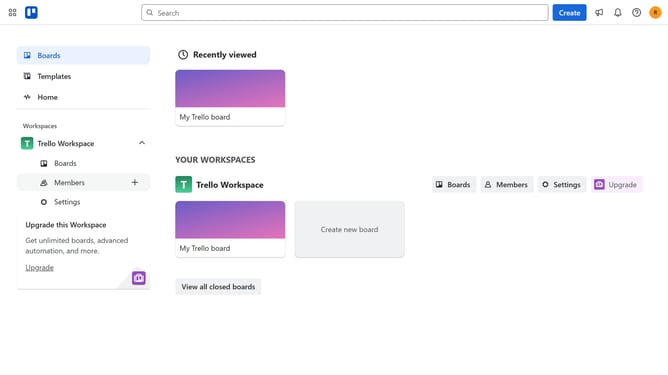
- First click on the "Boards" option in the left sidebar menu
- Then click a board from the workspace board list
- Click on the "More" menu (three dots) button in the top-right corner of the board
- Select "Power-Ups" from the dropdown menu
- Click on "Board utilities" category in the Power-Ups menu
- Click on "SpreadsheetWeb" power-up's "Add" button
- Finally click on the "Add" button in the SpreadsheetWeb confirmation dialog to install it
Why should you add spreadsheetweb power-up in Trello
Trello is a dynamic tool designed to boost productivity and collaboration through its visual project management boards.
Adding the SpreadsheetWeb power-up in Trello seamlessly integrates complex data management directly into your boards, enhancing data-driven decision-making.
This feature allows users to embed interactive spreadsheets, enabling teams to manage and manipulate data efficiently without ever leaving Trello's intuitive interface.
The integration empowers teams to streamline workflows, centralize information, and boost productivity, advancing your project management to the next level.
Last update